


gdykstra
Members
-
Joined
-
Last visited
Everything posted by gdykstra
-
Issue resolved ... As it turned out, all my problems tied back to the fact that I had lost the connection to the PLM. I rebooted the PLM and the Eisy to restore communication to my insteon devices. Then reinstalled my original dimmer and re-linked it to my eisy. At that point, the dimmer reappeared in my programs, where it was originally and all the error messages went away :D.
-
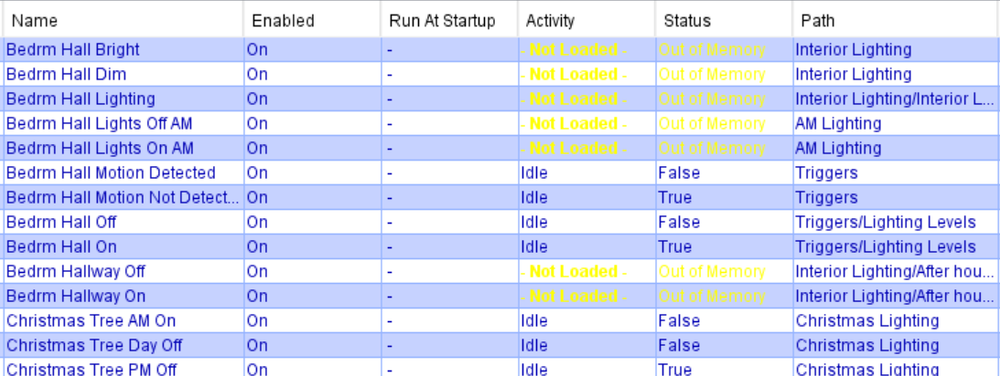
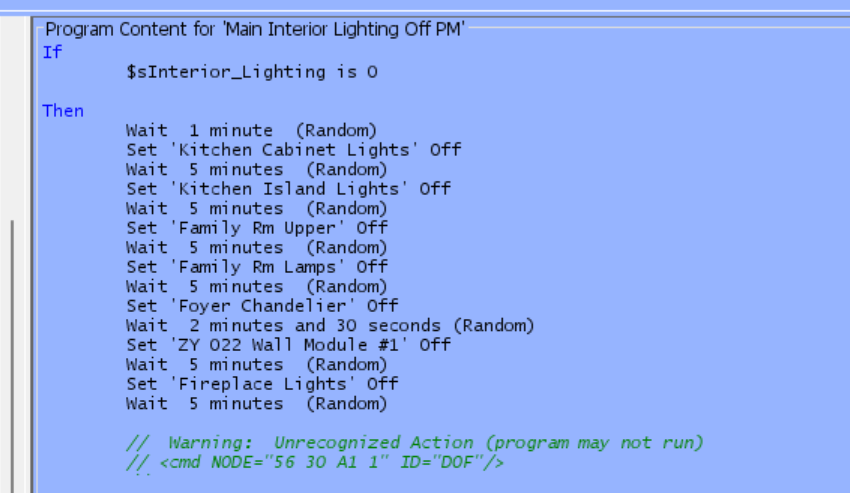
Now it seems that whatever program was "touched" by the device that was removed, locks up and I am getting the messages noted on the Program Summary page and within the programs themselves (note the comment at the bottom of the program). The device that it is referencing, is the device that I deleted before attempting to replace it. How do I clear this problem out of the system? I have tried rebooting several times with no success...
-
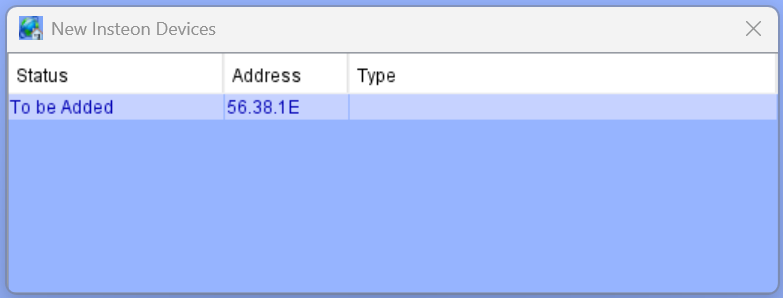
Well rebooting the Eisy did clear the "New Device to be added" pop up, but still unable to get it to link to the Eisy
-
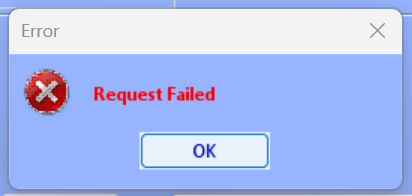
I first lost connectivity between an existing Insteon 2477D, so I figured it was a bad switch and replaced it with a new one. When I try to connect my eisy to it, it comes up with an error message that says "Request Failed". If I shut down my Admin panel and restart it, I get a panel that pops up with " Device to be added" with the correct address for the switch that I am trying to add ... I'm stuck. Any advice?
-
-
How do I make this stop??? It displays about once per minute and stops everything, until I close it.

-
Step #1: First remove the old switch that you are replacing from it's current folder (right click). This will relocate it to the top of the tree under "My Lighting" Step #2: Install the new switch (must be the same kind) and record the ID # XX.XX.XX Step #3: Use "Add new Device" to find and rename the new device (will also now be found at the top of the tree under "My Lighting") Step #4: Right Click on the old device and choose "Replace "Old Device Name" with "New Device Name". All settings will now be transferred to the new device and system will shut off. Restart system and let the routine finish Step #5: Move the new device to the correct folder


