


carealtor
Members
-
Joined
-
Last visited
-
Thank you. That should help.
-
Today I went to rearrange some of the buttons on one of my keypads and I soon realized... This is more complicated than I thought it would be, unless I'm missing something. There are scenes and programs that all have to be addressed. Before I move forward, I just wanted to ask you guys if there is a method to do this... move keypad buttons in IoX admin console. Thanks
-
I noticed my bathroom shade (the only device I have on my Bond) was no longer following it's program. I did some digging and I could see that the program was still firing, but the log didn't show any entry for the shade. Some digging in the log and I could see that the last entry for the shade was about a week ago. More digging and I found that the IP Address for the Bond had changed and no longer matched the Polyglot configuration. Okay, so I fixed and saved that, restarted the Bond and eISY a couple of times and still nothing. I hadn't thought to look before, but even though the Polyglot Plugins Dashboard says "Current Status: Connected", the Bond Controller node on the eISY shows "Connected False". So I can see where the problem is, but no amount of restarting and rebooting will get it to connect. I have triple checked the new IP Address. Help!
-
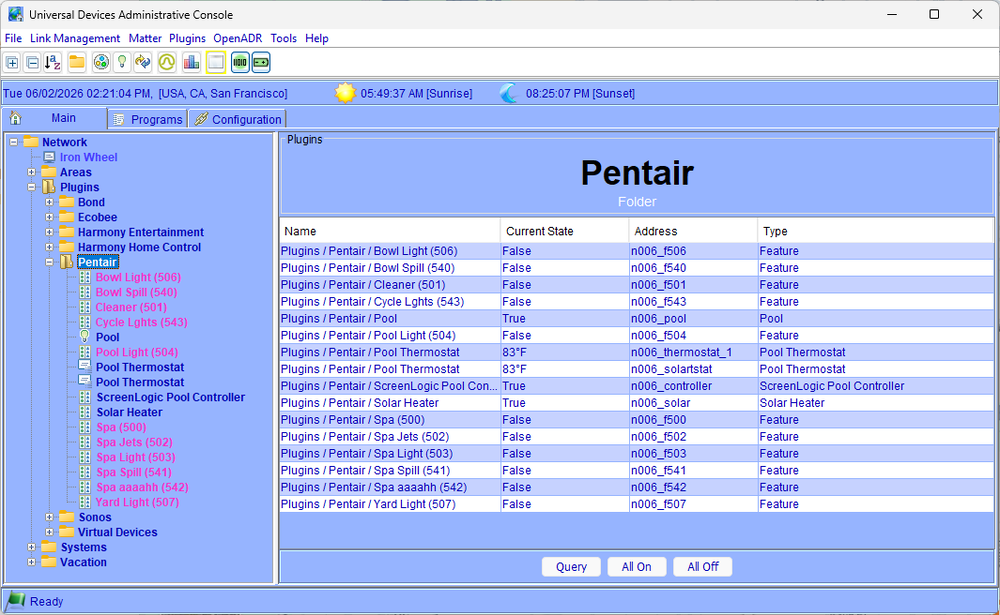
Here is what I have now. I used the same slot, fyi. Features look good and are updating, which is the most important thing to me. I see 2 pool thermostats. Should one be Spa?
-
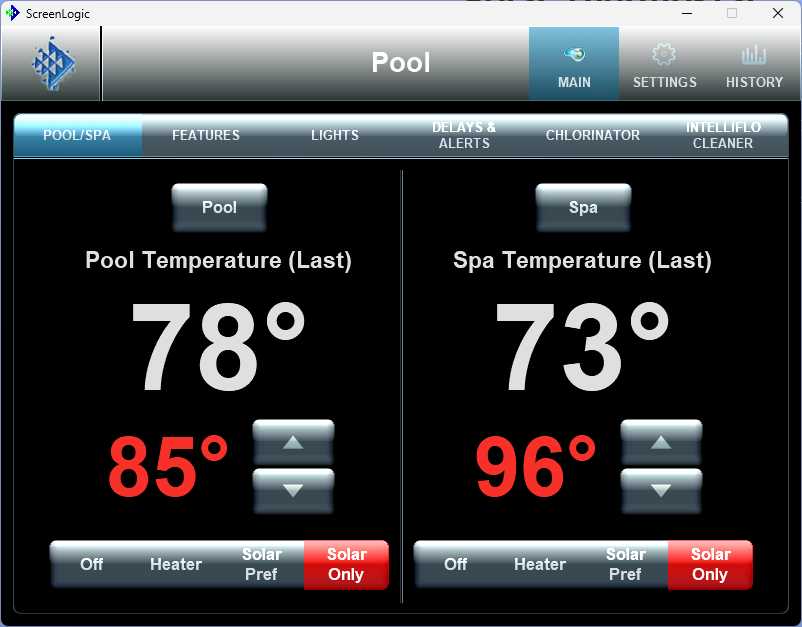
To me, this is what your node arrangement should be replicating. You have a "Solar Thermostat" in your nodes. I don't even know what that means. It's like saying "Gas Thermostat" on my home. It doesn't make sense. A thermostat controls the temperature in an area... House/upstairs/downstairs/north wing/pool/spa. Within the thermostat controls you choose the source of heat. Gas (or "Heater")/Solar/Solar Preferred. Features seem fine, but I would prefer to see On and Off instead of True and False, but not a big deal. Features are now updating when controlled from outside IoX, so that's great.
-
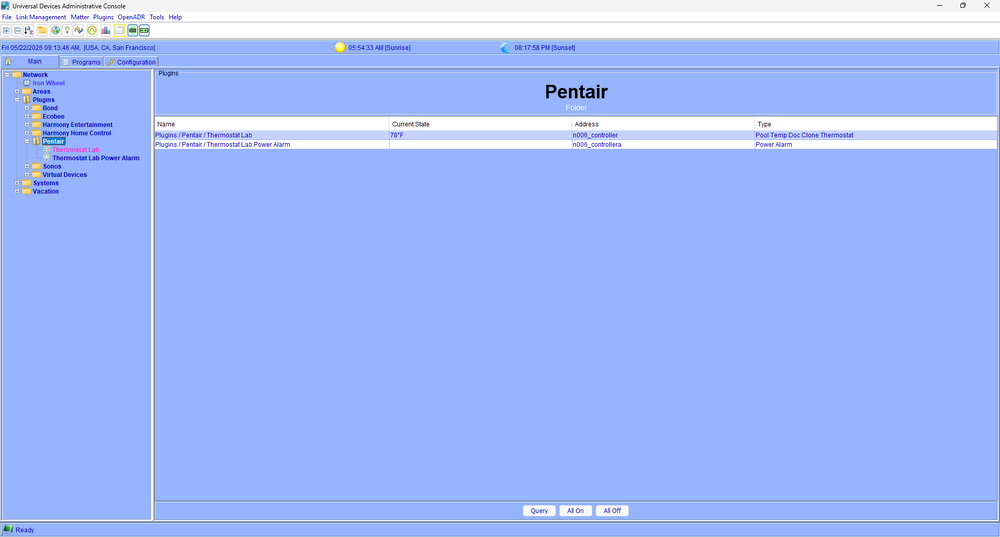
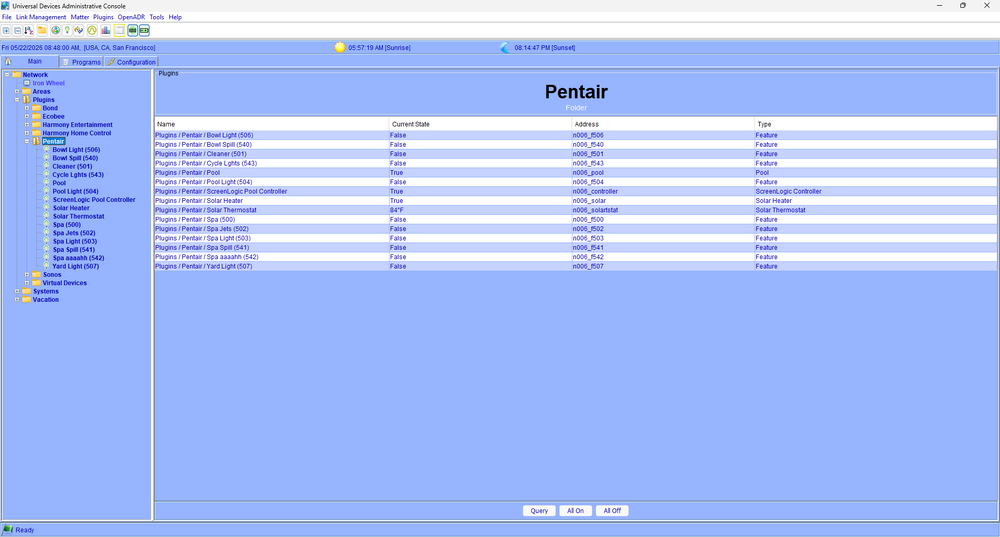
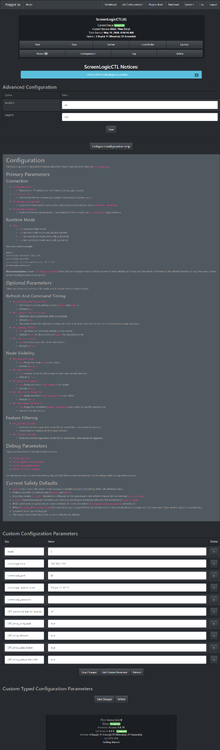
Here are the files you requested. ScreenLogicCTL_5-22-2026_90936_AM.zip
-
I finally got around to installing and checked it out a bit yesterday. Thanks for putting this together. What I noticed: I don't understand the "Solar Heating" and "Solar Thermostat" naming and the repeating of temperatures in them. I have a pool and spa, gas heater and solar panels. My ScreenLogic desktop app presents this as 2 thermostats, one for pool and one for spa. Within each you select "off, heater, solar pref, solar only". I'm not getting updates into the plugin when changes are made outside the plugin. For example, if I turn on spa jets from the remote panel, the value for spa jets in the plugin never changes to True. Conversely, if I turn on the spa jets from the plugin, all works as it should. I don't see "Spa Setpoint" anywhere, just "Pool Setpoint". I can post any screenshots you might want.
-
Safe to assume that the ability to control the backlight is never going to come back?
-
I can't wait to try this!
-
Ah yes. UDI is in that list. Thank you.
-
I just checked my account on ecobee.com and checked the Developer page. I only see my Home Assistant application listed. Shouldn't Universal Devices (or whatever) be there too? It's been years since I set up the ecobee nodeserver and I don't remember how that all worked.
-
It was relatively easy to set up an NR to set the Line-in value to my Sonos devices. Is it possible (easily) to read the current value from the Sonos device too? I'm not terribly well versed in this stuff, but with enough Googling, and asking Gemini, I can usually copy and paste enough to get things to work. But I haven't been able to figure this out.
-
Ah HAH! Problems here too, but I've been having so many other network issues lately, I assumed the problem was mine alone.
-
-


