


pjjameso
Members
-
Joined
-
Last visited
-
Thank you very much!
-
Thanks, probably just shot myself in the foot by replacing sensor which removed the replace sensor warning. Guess we will just wait a couple of years for the next replacement warning. Thanks for taking the time to look.
-
Any thought on which driver would be for the error vs alarm? @Jimbo.Automates
-
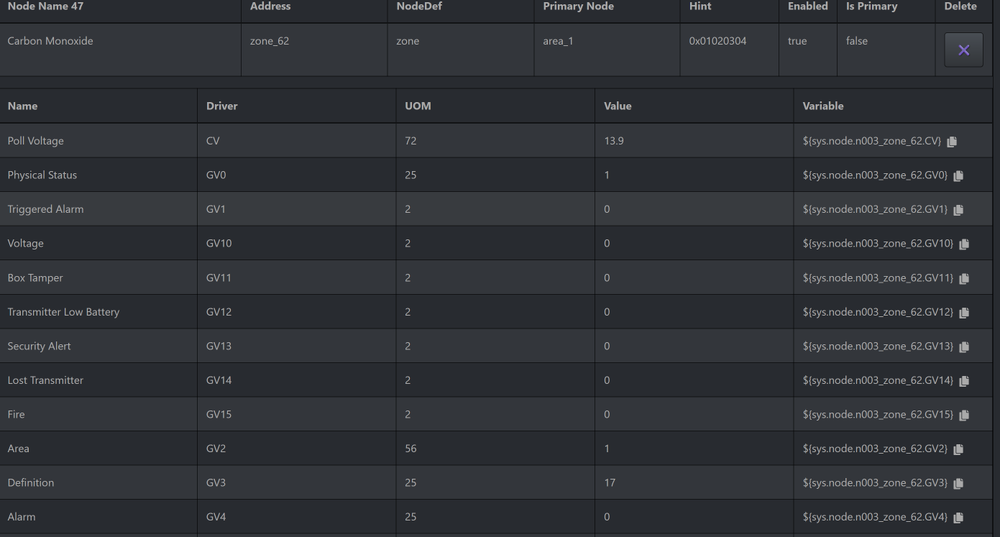
Found the node, as mentioned not alarming but throwing the notice of malfunction on the keypad.
-
@Jimbo.Automates CO2 sensor throwing an error not an alarm indicating needs to be replaced. How would I add this notification to the Plugin so I get the message? Eg which controller.GV number would it be?
-
Found a lot of three so just bought them all. Guess Im good for another 40 years or so!
-
Bummer, Ill keep looking around
-
Ethernet port is failing so would like to replace unit. What are my options as unit is no longer available. Really only using two analog voltage inputs to show household and generator voltages which determine if generator suppling power or just exercising.
-
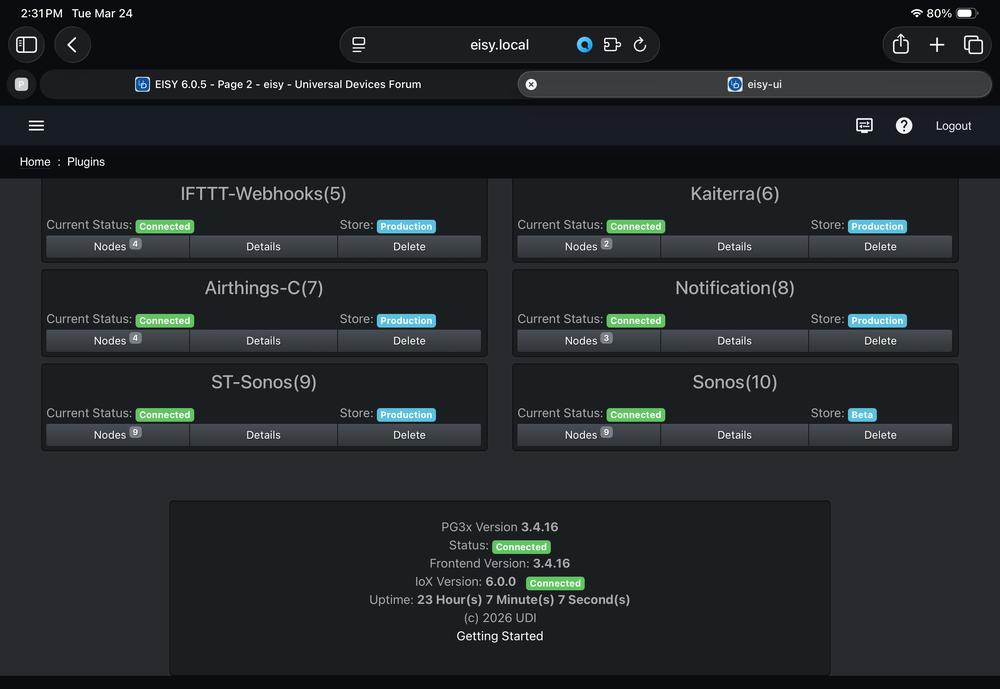
Tried all suggestions, here is a screenshot from eisy.local.
-
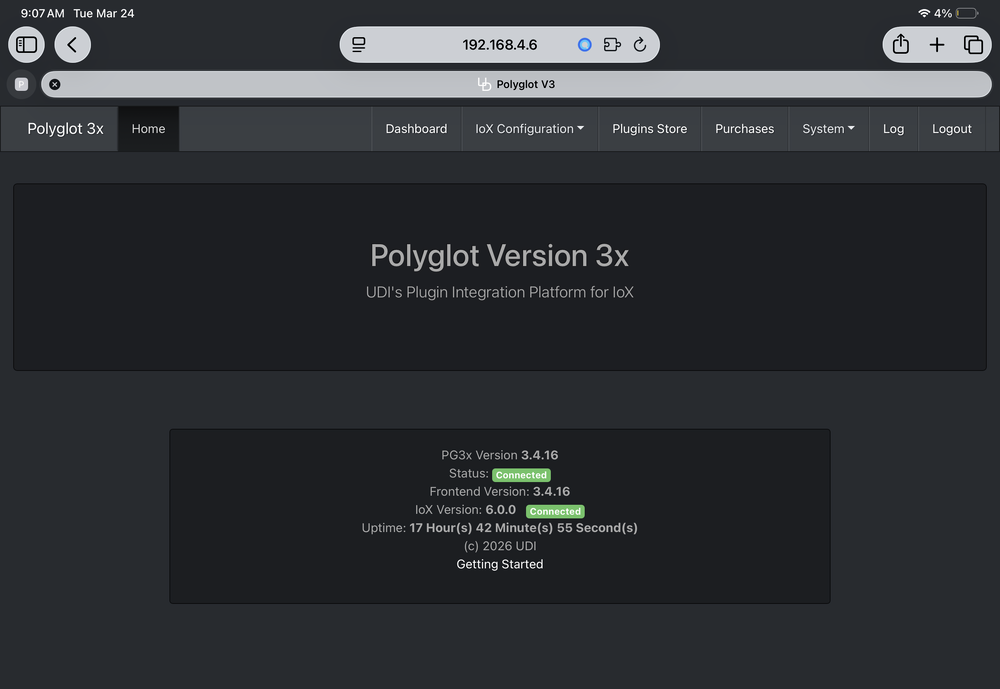
Thanks, upon further inspection pg3x is showing iox as 6.0 vs 6.05
-
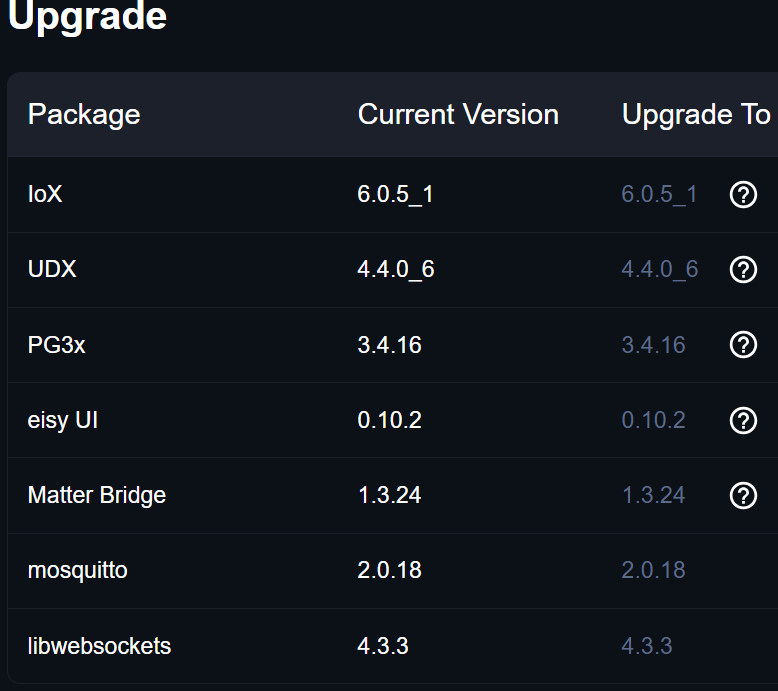
So it seems everything went okay except PG3 still say 6.0. Have rebooted, closed the browser and relaunched using eisy.local. Still same result. Thoughts?
-
Thanks Bob, Just returned from my overseas trip will make the updates to the configuration
-
Bob, As expected the join command is not working... On another note, I missed something as each time I restart the sonos plugin if finds all the speakers. Was there something I needed to add to stop the auto discovery? Im heading out of town for a couple of weeks so wont be able to reply to you after tonight. Appreciate the effort, I will ping you when I return if you are still interested in pursuing a solution
-
You are AMAZING Bob! Thank you for the effort. Will test ASAP...
-
Bob, is there a way to place an option box in polyglot to not create specific nodes? Thinking I would just delete all the nodes except for the two I want have joined. I have manually deleted them but as you noted they keep reappearing.


