Cosmin Munteanu
Members
-
Joined
-
Last visited
Everything posted by Cosmin Munteanu
-
I think you need to raise a ticket, I have seen this in other plugins after migration to eisy-ui.
-
You don't see this?
-
There is a new PG3x version (3.4.28). Try upgrading and see if it resolves your problems. It solved mine. Not sure if you will need to reinstall the Ecobee plugin or not. Mine was running correclty in PG3 but failed when migrated to eisy-ui.
-
Upgrading PG3x to version 3.4.28 resolved the issue. Thank you!
-
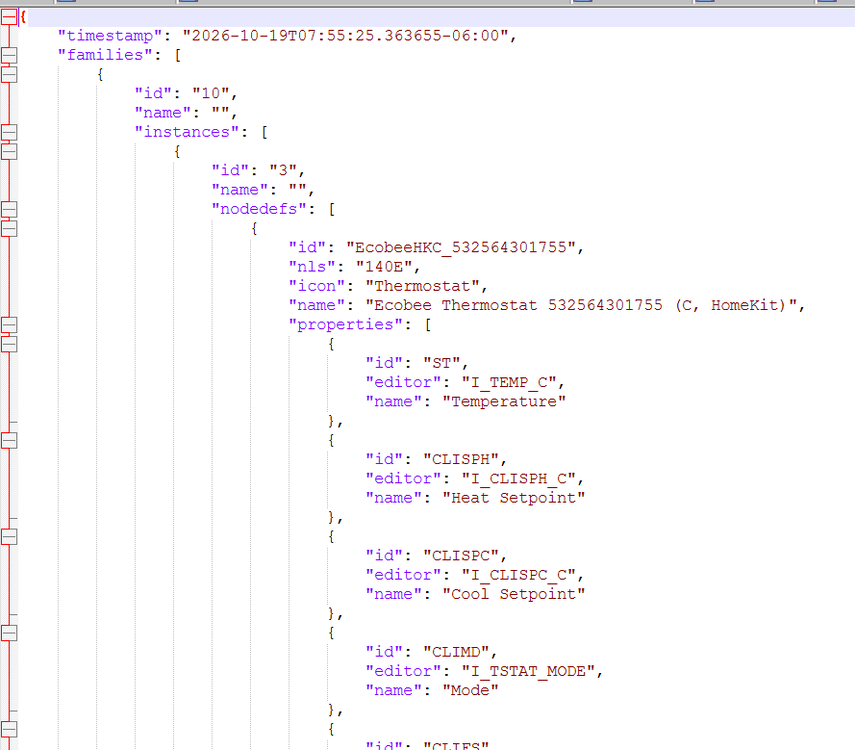
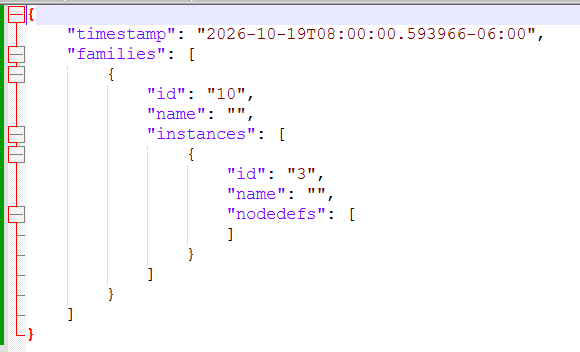
@bmercier It looks that this is what's happening. I opened the ticket and attached the outputs. Here is what they look like before and after migration: Before After
-
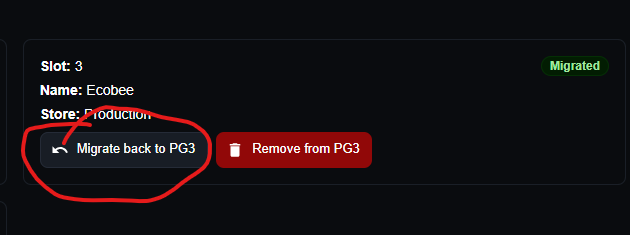
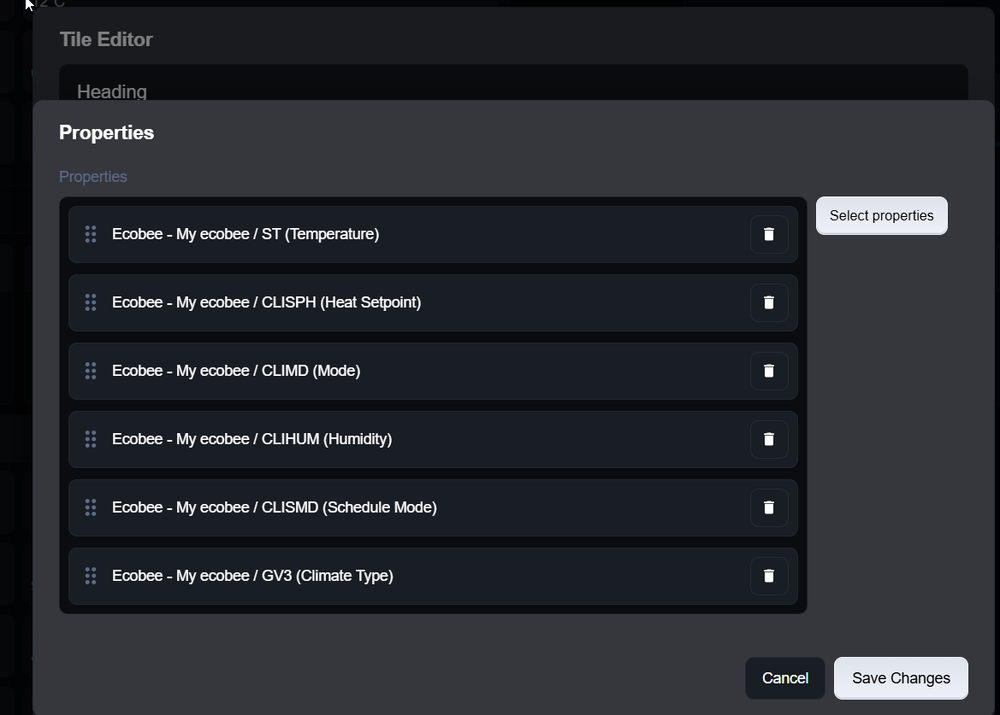
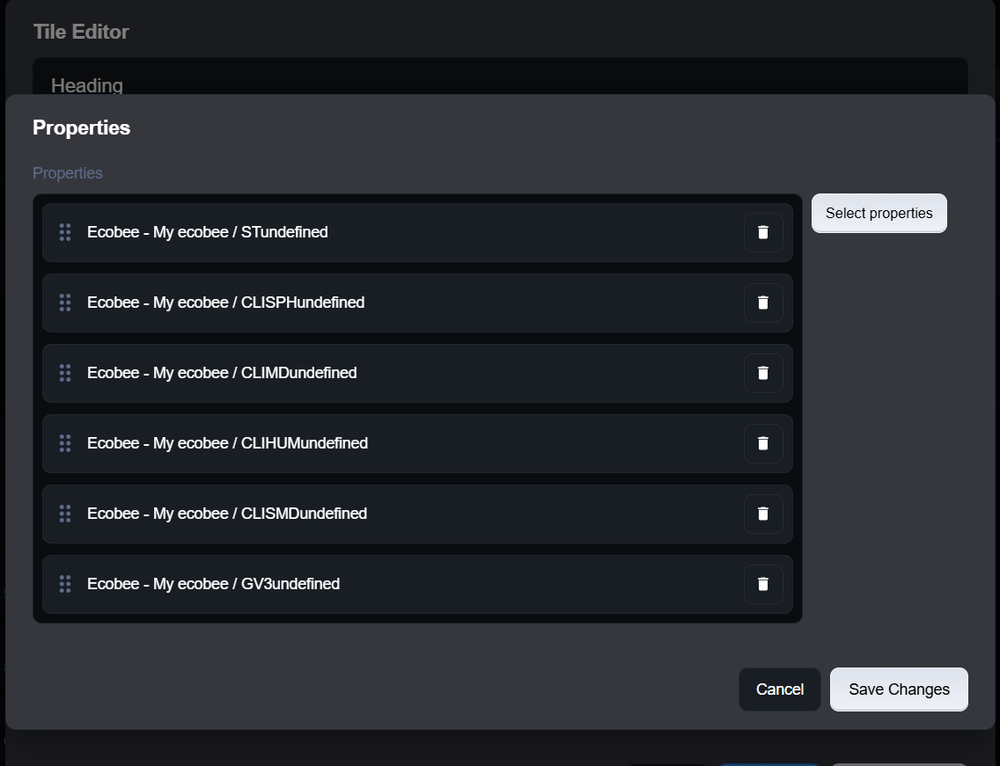
Was anyone able to migrate the Ecobee plugin from PG3 to eisy-ui? I have migrated all the other plugins but this one is giving me some issues; I had to move it back to PG3 Here are some screenshots of what I see before and after the migration: 1. In the program it cannot set the 'Heat Setpoint' after migration On the home page I have a tile for the main thermostat and here is what I see when selecting the properties after migration


-
The last update resolved my issues.
-
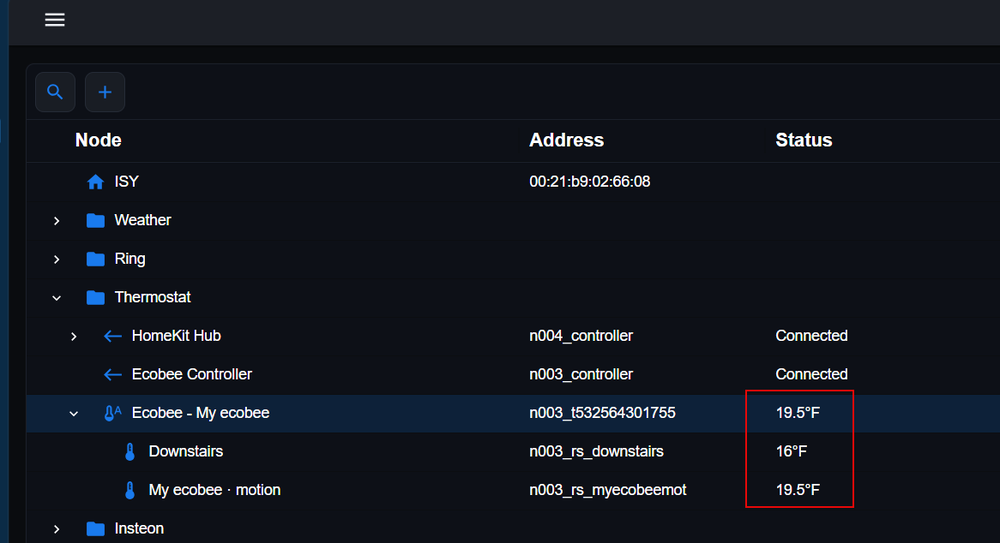
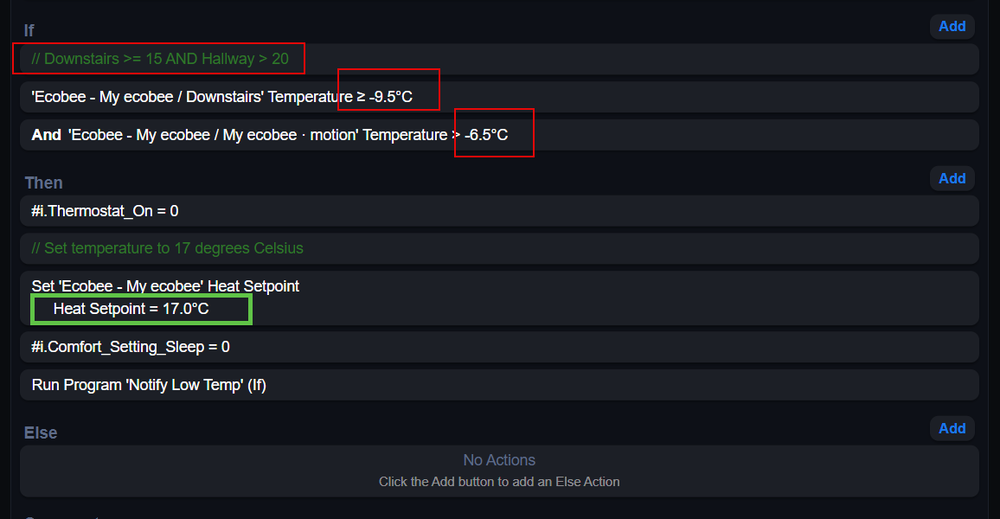
Installed the plugin and it works but I am having a small problem when I set it to use Celsius. The temperatures are displaying the Celsius numeric values with the Fahrenheit symbol. Not a big issue but then in programs the behaviour is not consistent: I can set the heat setpoint in Celsius but in the 'If' statement I have to put the Celsius equivalents of the Fahrenheit values. Everything works but I find a little weird, here are two screenshots to better understand my problem: Cosmin