


Howard
Members
-
Joined
-
Last visited
Everything posted by Howard
-
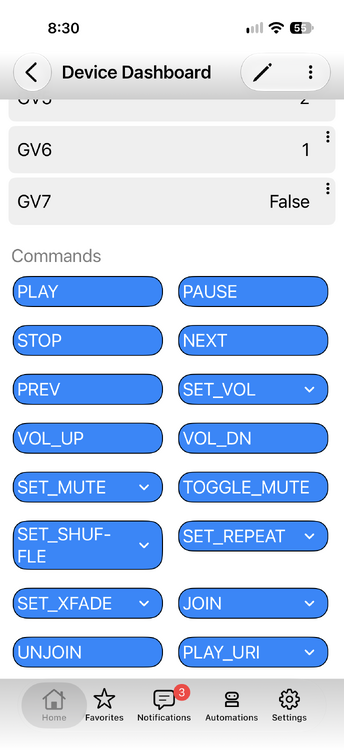
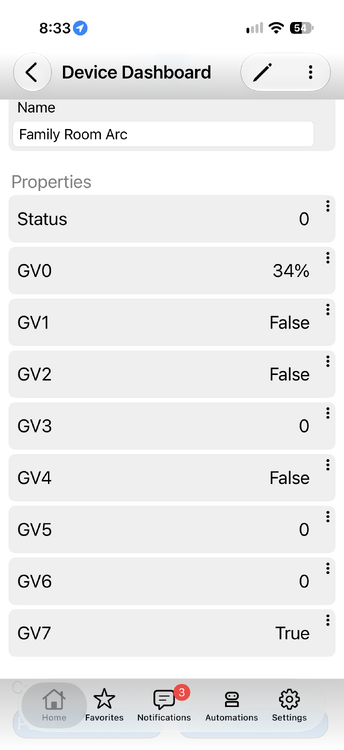
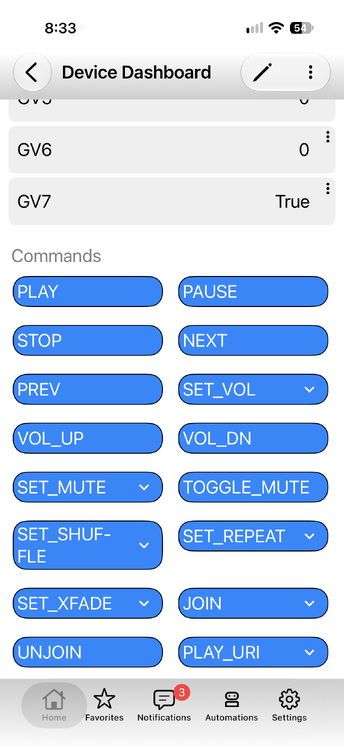
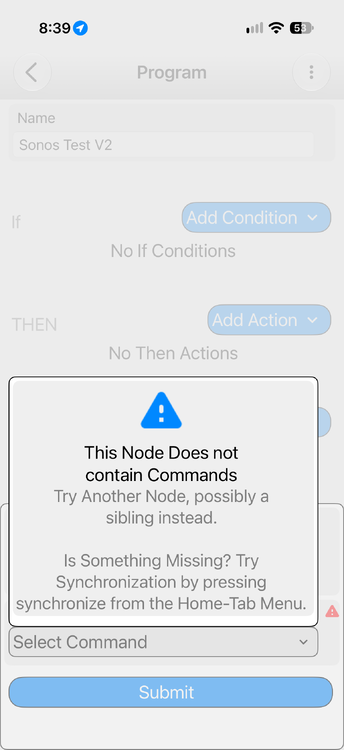
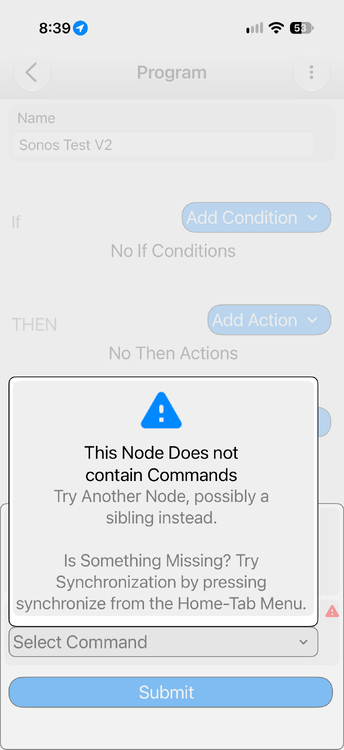
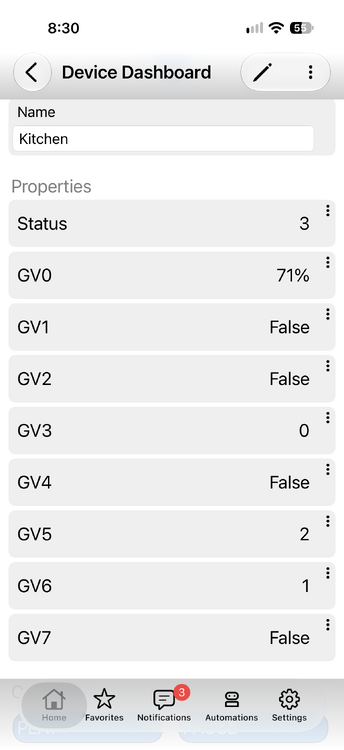
Hi Bob, It looks promising and I had some success with the new version. I could control Kitchen through the mobile app (stop, play, volume) but I couldn't do it for the Family Room. I couldn't select a command from a program. I restarted the plugin and attached the debug log and a copy of the nodes. I'll continue to try things and let you know. Thanks, Howard Node Details V2.pdf SonosV2_10-29-2026_83659_AM.zip
-
Thanks Bob. I'll try it out tomorrow. My wife doesn't like Black Sabbath when she's sleeping (or ever).
-
Hi Bob, So I went to the Wizard of all real and imagined and asked "Who owns the copyrights to the code you gave me for the HA Sonos to UD EISY port?" Short answer: nobody owns most of it — and I checked the actual files I gave you before answering, because the wording in them matters. Here's what's in the package at ~/workspace/your_files/ha-to-eisy/ and who holds what: The code I wrote for you — no copyright attaches to it. The converter (ha2pg3.py), the sonos.json descriptor, and the Sonos backend (sonos_backend.py) were written fresh in that session, at your request. Copyright requires a human author. I can't hold copyright (I'm not a legal author), and neither Meta nor I claim any rights in output I generate for you. The US Copyright Office's position is that purely AI-generated material isn't copyrightable by anyone — so practically: it's yours to use, modify, sell, or give away with no license needed from anyone, but symmetrically, there's no copyright in the AI-written parts that you could enforce against someone else using identical code. Copyright would attach to creative edits and additions you make yourself. No Home Assistant code is in it. Despite the "ported from the Home Assistant sonos integration" wording in the generated header, nothing was copied from HA's source. The backend is original code written against SoCo's public API; what it borrows from HA is the model — media_player service names like media_player.media_play and the shuffle/repeat decomposition. identifiers and functional behavior aren't protected expression, so HA's contributors (Apache 2.0) have no claim on it. If actual HA code had been pasted in, those portions would still belong to their authors under Apache 2.0 — that situation just doesn't arise here. The only real third-party copyrights are the libraries it calls, not code in the plugin. Your requirements.txt pulls soco>=0.32.0 (MIT, © the SoCo contributors) and udi_interface (Universal Devices' PG3 library) at install time. SoCo's MIT terms oblige you to keep its copyright notice if you redistribute SoCo itself — merely using it via pip doesn't put conditions on your plugin. One caveat: I'm not a lawyer. If you end up selling the plugin through the PG3 store, a one-time legal opinion is cheap insurance — mainly for the AI-authorship point, which is settled guidance in the US but still lightly tested in Canadian courts. It's pretty impressive and it seems like you are right on the mark about MIT.
-
Hi Ross. It's very new and just being introduced in Canada. It's essentially four AMPs in one. One IP address and individual ports for each zone. It has audio enhancements and some minor limitations like lack of HDMI and inability to use a zone as rear speakers for an ARC Ultra. Sonos Amp Multi—The Multizone Amplifier
-
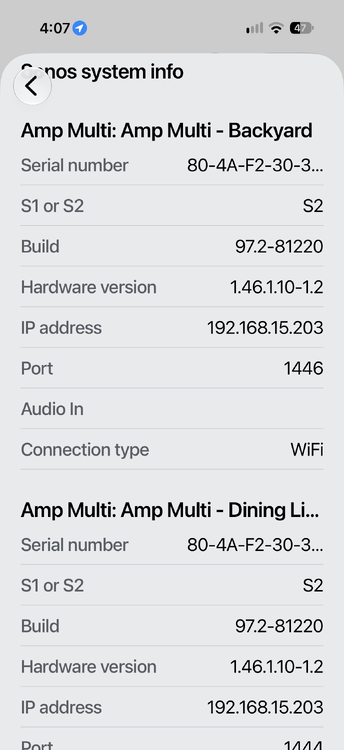
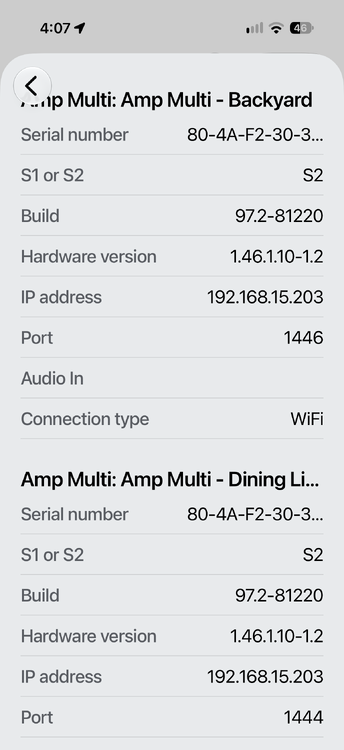
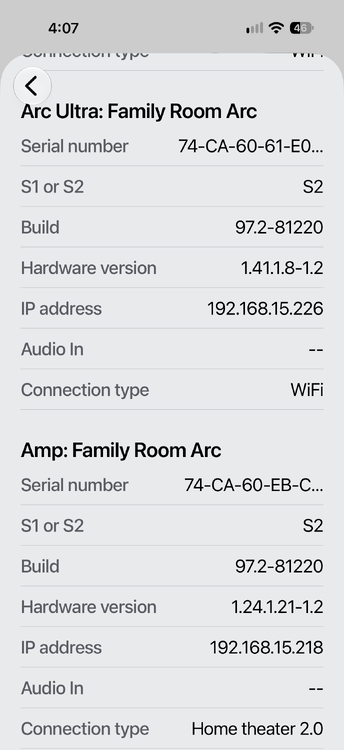
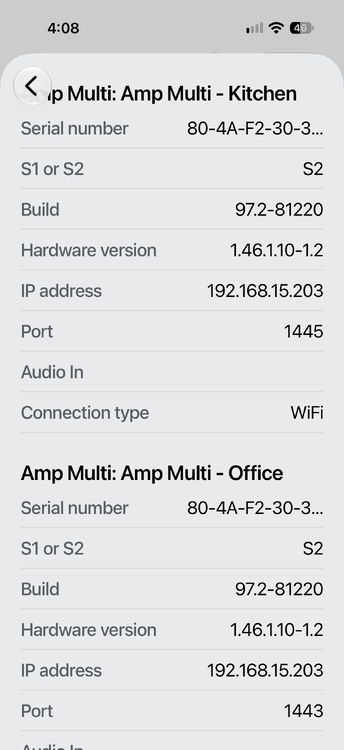
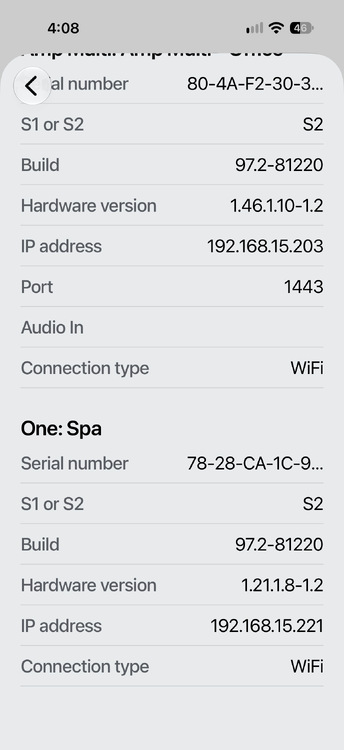
I asked Muse to look at HA and create an EISY version of it. I was thinking of my early days programming and thought it could create a wrapper of sorts. This is the result. The good news is below. Apache License 2.0 — with one layer worth knowing about, since you're building on it: The Sonos integration doesn't carry a license of its own. It's part of Home Assistant Core, and the Home Assistant project's governance sets Apache 2.0 for all of its code projects, so the integration inherits that. Apache 2.0 is permissive: you can use, modify, and redistribute the code, including commercially, as long as you keep the copyright/license notices and note changes. It also includes an explicit patent grant from contributors. Underneath it, the library the integration actually talks to the speakers with — SoCo, the same one your Eisy plugin's backend uses — is MIT licensed, which is even lighter: essentially just keep the copyright notice. So for your porting work, both layers are permissive and compatible: nothing copyleft, nothing that forces you to open-source the PG3 plugin you derived from them, just attribution obligations if you redistribute their code. A note about my set up; the AMP is configured as the rear speakers for the Arc Ultra. You can see from the attached that Amp Multi speakers have a Port assigned and the One: Spa does not. The One: Spa is found by the current plugin.
-
That's great. They changed the way they address the speakers so discovery doesn't work. The Amp multi uses one IP address and different ports for the speakers. The attached may be helpful. ha-to-eisy.zip
-
Hi Bob. Thanks for the plugin and responding to my post. My coding is rusty but I can act as a testbed for your plugins. I have an Amp, Amp Multi and Sonos One. There is also an updated plugin on HA which works with Amp Multi.
-
Is anyone updating the Sonos plug-in to support their new multi zone amplifier. It uses one IP address and different ports for the zones.
-
I just got a Moen Flo and want to work with my existing Insteon leak detectors. Does anyone have any experience doing it?


