CRaube
Members
-
Joined
-
Last visited
Everything posted by CRaube
-
I'm getting used to the eisy-ui and like it. Not missing the java pain. One suggestion please. On the system page under the reboot button could you also put a shutdown button. The 6 button push method on the device makes me nervous that i might miss a click or add an extra or whatever. Just a thought. Thank You for a great product and excellent tech support. Curt
-
The "hey developer" part got me thinking about a hacker. I didn't write that it, was part of the error message. I rebooted and it is gone. Thanks for the reply.
-
I clicked on a device in eisy ui and this error popped up. What is going on? Unexpected Application Error!Failed to fetch dynamically imported module: https://eisy.local/assets/GroupMembership-BWWXJYYY.jsTypeError: Failed to fetch dynamically imported module: https://eisy.local/assets/GroupMembership-BWWXJYYY.js💿 Hey developer 👋 You can provide a way better UX than this when your app throws errors by providing your own ErrorBoundary or errorElement prop on your route.
-
I have the same type of error with insteon devices upon sync. Other than that have not had any issues with the upgrade with the exception of not being able to use the java app. I retrieved the newest app from the site but get the error "this version of the admin console is not compatible etc.". The admin console I downloaded is 6.0.5. Has the java been deprecated already?
-
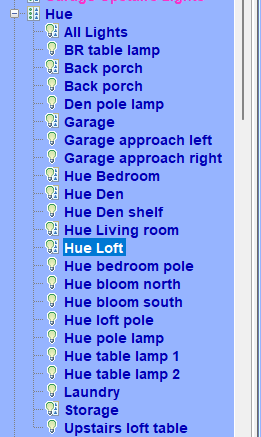
Hello all. I purchased the latest version of the hue plugin and installed it. It installed and found all my lamps and rooms. The trouble is I cannot control any bulbs from either the java interface of the IOS app. They appear there but clicking on them to turn them on does nothing. Any help would be awesome.