ARyder
Members
-
Joined
-
Last visited
-
Ya know I felt the same way. I think it's platform fatigue, at some point you have just had to learn, so so many CLI structure's, interfaces, and GUI's. My stepmom was a Novell NetWare guru and one day in her 70's I caught her banging her fist on her laptop and it just needed a power setting adjustment, it'd gone to sleep.
-
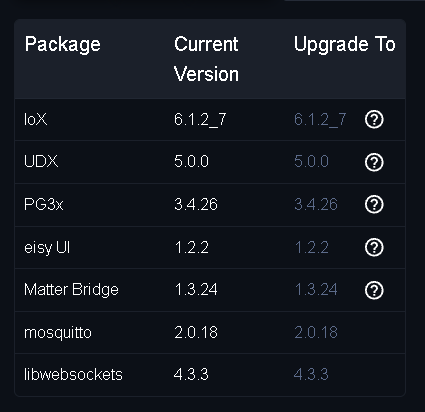
The app is updated to the latest version on the Play store and if there is a sych in the app I don't see it. The only thing I can see in the app is notifications and the Migrate Existing installation options. There are some user editing options but nothing else populates. I just followed this upgrade. https://wiki.universal-devices.com/index.php?title=Eisy:User_Guide#Migration I appreciate the help
-
I wish I could it is the UD MObile App that is informing I need to still migrate. On the Home screen of the UD mobile app it has a migrate Existing Installation or Add new Controller buttons on the home screen. I can also access notifications that Upgrade was performed. However that is it. On my PC, yes everything seems to function, I can control and see all my insteon devices in the new UI.
-
So I thought I migrated. However the UD app says not. I can get to my Java console and I can get to the EISY UI. I am pretty sure I got distracted during migration but I thought it completed. I have nothing but insteon, although I have the z-wave and Matter dongle attached to the eisy, they are not controlling anything. Any thoughts are appreciated my brain can't read that migration document again.