


BobM99
Members
-
Joined
-
Last visited
-
Hi, thanks as always for updating this plugin. I still received a 2FA text. Are you saying that I don't have to reenter the new code? Bob
-
-
-
Hi @Javi . Thanks for getting back to me. Firmware 6.1.2. Eisy went offline for no good reason this morning, briefly came back for a few seconds, then went offline. I tried power cycling, no different. The on-off switch is blue. RIght now I'm not at home, but I can use a wifi plug to disconnect and connect power. When I reconnect power, UD Mobile notifies me that UD Portal is online, 2 out of 11 of the PG3 nodes are connected, then 20 min. later I get a message that says UD portal is now offline. In the process, I can't see anything on UD Mobile get through on https://my.isy.io/ Confession: a day or so ago I updated to the repo versions because people have said it was safe. It was working fine after that for a while.
-
-
@DennisC Thanks, that did the trick (kicking myself for not thinking of this). @Guy Lavoie Even from AC, PlugIn Store still doesn't work. We can't be the only two people with this problem . . . or could we?
-
@Guy Lavoie I'm glad I'm not the only one. Ask for IoX Finder, I can't even get to that part. Once I acknowledge the IoX error, everything just shuts down and disappears.
-
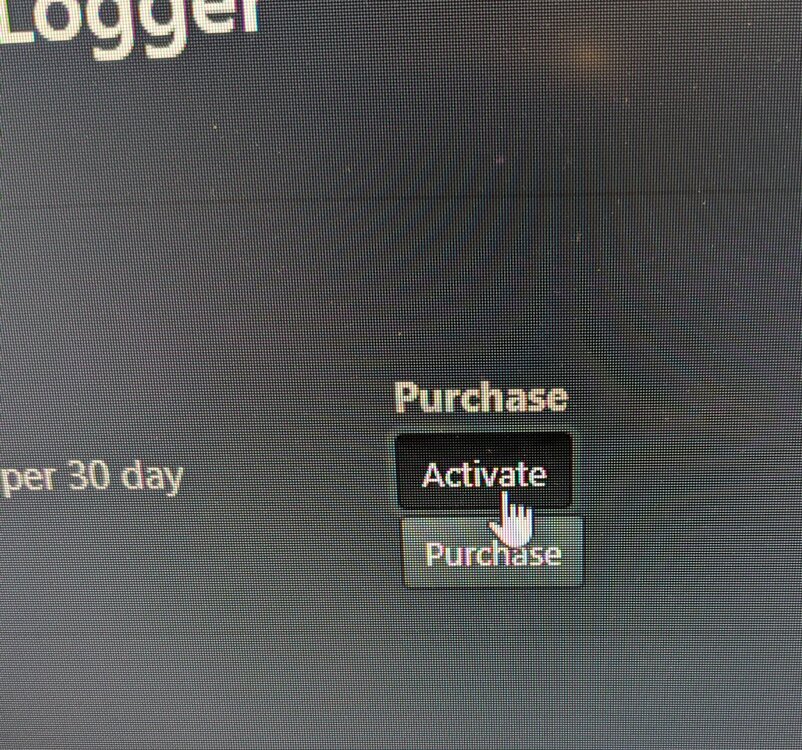
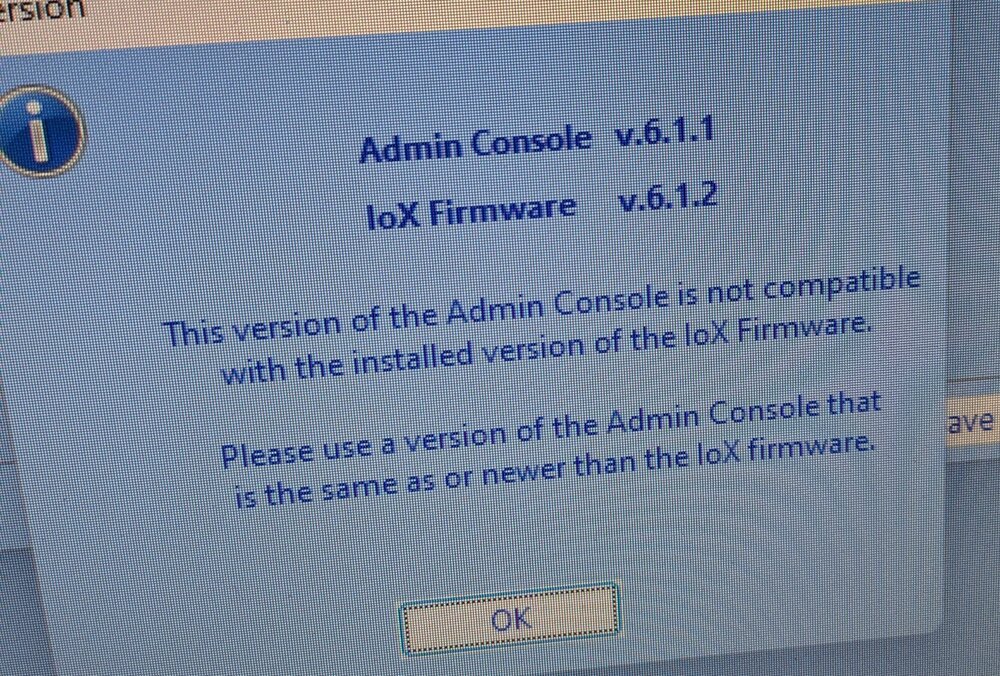
Hi, Please help me figure out what's going on or what I'm doing wrong. Ever since I upgraded to IoX 6.1.2_3 and eisy-ui 1.3.6 a few days ago, the following has happened: 1) I can't purchase or activate anything from PG3x Plugin Store. I click on the button and nothing happens (photo attached). 2) I can't access the Administrative Console with the Java .jnlp file downloaded from eisy-iu (photo attached). 3) My programs involving timed events have been screwy, although that seems to be working out over time. Thanks for any advice. Bob
-
@Goose66 NestSDM is working wonderfully, but remains in the non-production store. I see the pinned thread explaining why. With eisy-ui and the changes coming, will this be available in the future? Thanks. Bob
-
Not exactly the same thing, but one of my programs is acting funny after upgrading to beta. This program uses a Z-wave energy monitor to track energy used by my very active sump pumps. The program resets the kWh used by a pump every 30 minutes and alerts me if the kWh in 30 minutes are more or less than the usual range. Recently the program seemingly randomly stops resetting the kWh, causing the number to climb, setting off an alert. I tried tweaking the program but it still happens once or twice a day. The only thing that changed was upgrading. Bob
-
Mama don't take my Kodachrome away!
-
Same issue with this leak sensor. You're all not alone.
-
Thanks for the quick response. I have 4 Z-wave devices that are doing this. I tried waking them up and writing changes, but the problem persists. All of the devices are operating fine as detectors. If anyone has a tip, I'd appreciate it.
-
Would someone please explain what the orange banners in the screenshot mean? This didn't appear with UI before. Thanks. Bob
.thumb.png.446f28bf5d6717b7dc6d6b871dcbe0f8.png)
-
Thanks very much for dealing with the Whac-A-Mole situation. One quirk I've noticed for a while now is that I have to restart the plug-in twice before I receive a 2FA text. Either way, working well!


.png.b841a41eab56098b6915ffa8276e8ea7.png)