


danncas
Members
-
Joined
-
Last visited
-
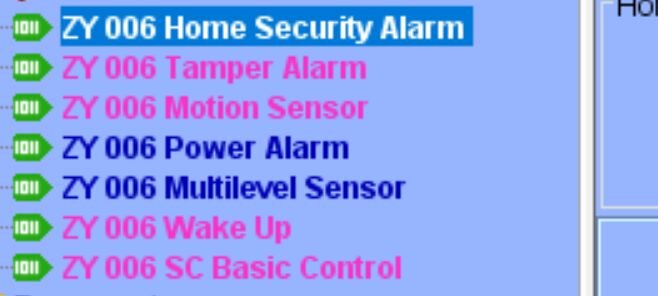
everything is work as I want. I had these pop screen it was hard to see the one behind the other. I did get it to move and it said " package update. So I did the package updates and that popup went away. Alos the one that wanted me to vaildate Zwave device is going to. But now the Nodes look like this again. But all works
-
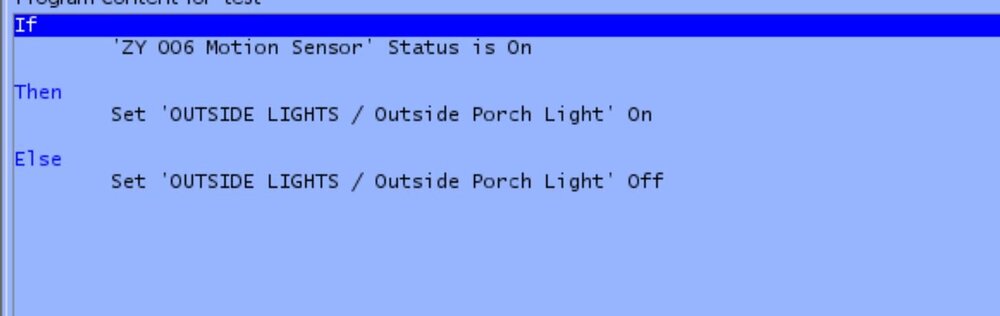
I want to try on more thing he is the screenshot. It seem to work like this tested it several time. I will test it tonight several times. We Will SEE
-
ZAC38 I dont know why the light doesnt go off after the status shows off on the sensor.
-
Techman Here where I stand as of now. I bought a range exstender and it added to my Eisy. The sensor see me and turn on and the light. That status of the sensor goes off. BUT the light never goes off.
-
well I had test it in a dark bathroom last night worked fine. No let see how it works out side. Ps I asked Insteon when wil the have a motion sencor. The sad late Oct out door and indoor
-
Thchman I did some experimenting after I did another factory reset. I found out that after it goes to the OFF status after no motion it takes 30second before it changes the true output. So It seem I got it to woork now so far in my test . I put a time frame in where it will only work and the told it to turn on the light if it sees motion. So I test the it and it stay off even when it say me. Sofar so good . Im going to try the sunset to sun raise tonight. Fingure crossed thanks again
-
It didnt work either . The sensor send an on code. I cant tell if it send an off code. You cant read the parmeters that it is factory coded to. I have no way of reading and bit transfers in this programing either. So in this program if it see On it more to the next step and then the next, EVEN if the sensor still on beacuse of movement. It would of been so much easier if it had a dusk to dawn like the old sensor did. I would not have to program. Ideaa??? The now way of having a While statementHere you go Techman It a should be simple. The second picture is how it looked before I reset the sendsor to factory setting. The last picture is how it looks now, but it soon or later will go back to what you see in thr 2nd picture . I apprecite all your help working with me.
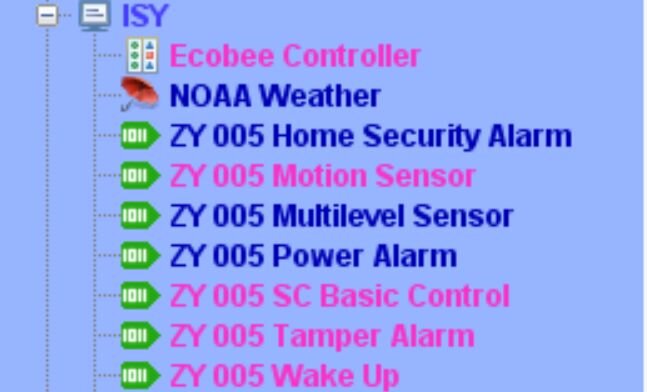
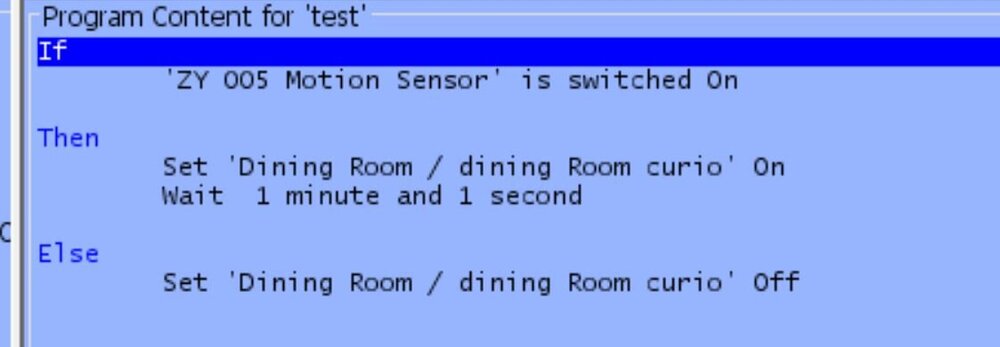
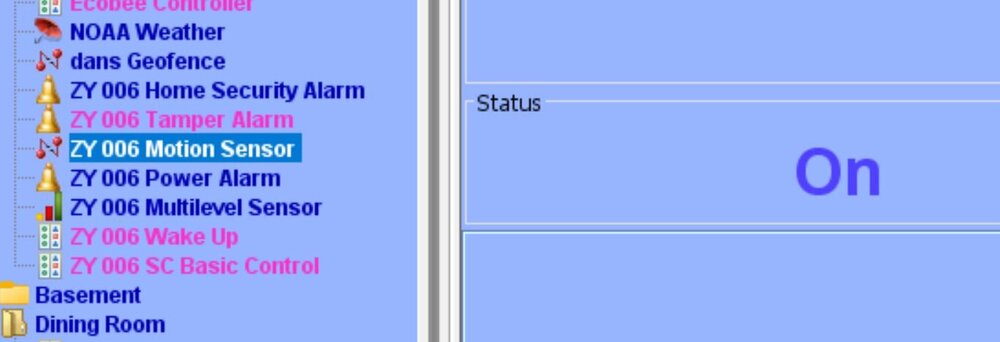 SADLY THE IT IS NOT RESLOVEDIm not sure. Im going to do a factory reset tomarrow . It seem to work earlier . But tonight it shows on and never shows off. I sent you a DM If tied it directly to a insteon light it will work as long as it see motion. But It will also turn the light on doing the day. So I wanted to have it work with the same type problem I had befor on an insteon.thanks my question is Motion Sensor right click has parameters Powe alarm has Parameters Which on to you use
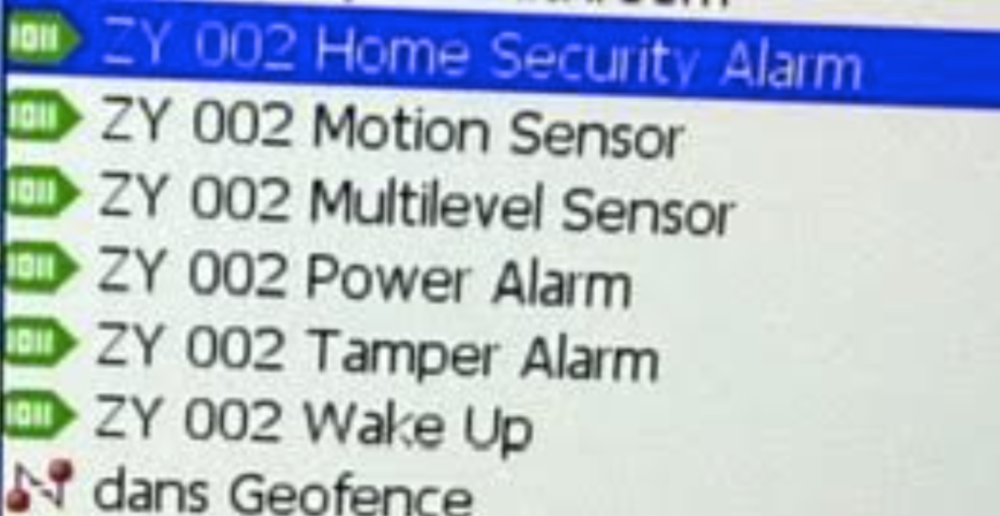 guy so when speaking of node Each one of these is a node Yes/ No. Im not a netwok programer. I programer PLC and robots in the past. Im old lol 72
 I have a list of the parameters, I gather I have to go get the Sensor and manuly click the button. I have a option on that but I wil lkeep it. LOL Then I upgade any of the parameters.. Is there a way of read the parameters setting that are already set?


