


andrew77
Members
-
Joined
-
Last visited
Everything posted by andrew77
-
The computer reboot did the trick. Everything looks great now. Thank you for all the help. (and patience)
-
I tried the reboot earlier. I can try it again. F5 doesn't work (maybe because I'm on a Mac?) I'll reboot my computer and see if that helps
-
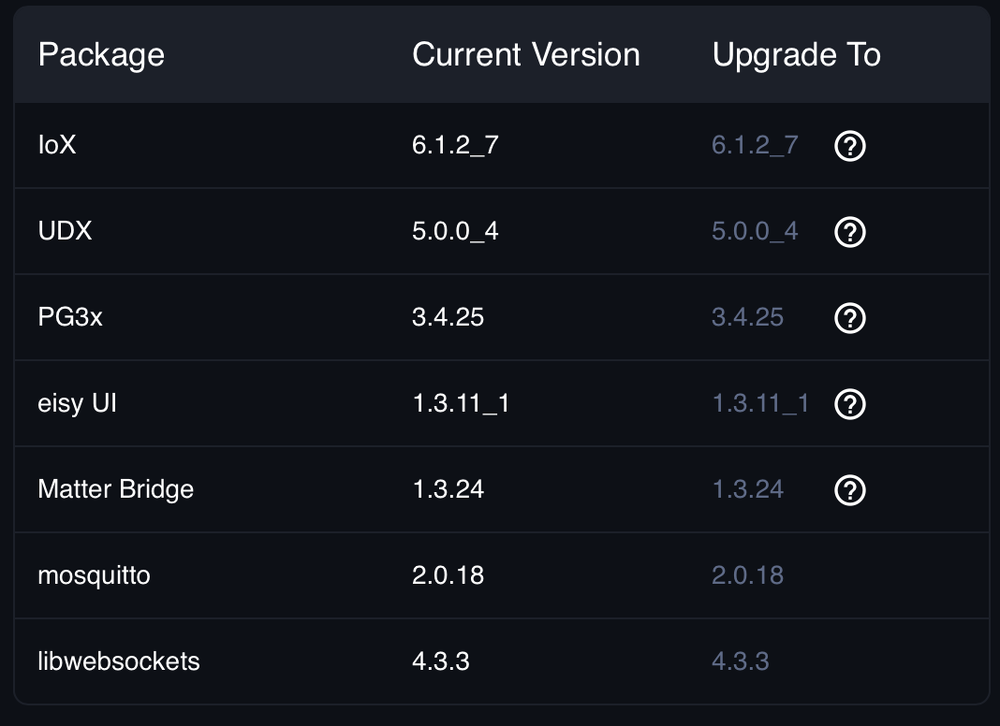
This is all I see
-
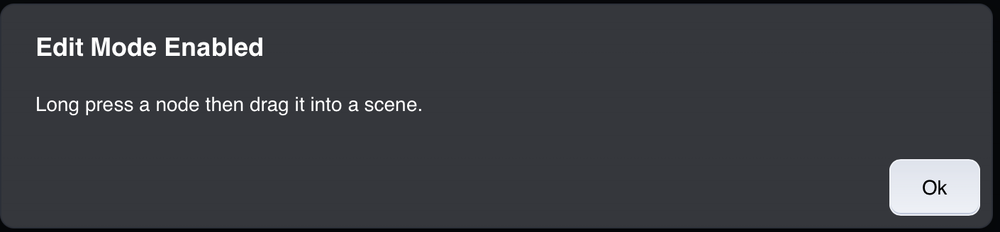
This is what I see when I right click and select add to group
-
I've refreshed and rebooted. Right click and drag still don't work as you've said. How do I add devices to scenes?
-
I've upgraded to 1.3.11_1 The guy seems to scroll down when I press and hold a device but when I drop it on a scene nothing happens.
-
I should just wait for an official release or do I update to beta? If I update how would I access that?
-
I tried to drag and drop a device on to a scene but the scene was below my available screen. I couldn't seen to drag it down to make the page scroll down to the scene. I could drop it on scenes visible on the page so I believe I'm doing it right. I tried having two instances of Safari open to drag to another window but that didn't work. How would I accomplish this? Andrew
-
On the eisy-ui I'm trying to add a device to a scene that's far down the page. I see I can drag and drop the device on to a scene that's currently on the page I'm using and that that works as it should (I'm assuming) But I cant seem to drag it down the page to a scene lower than the bottom of the screen. I've tried having two instances of the eisy-ui open but that didn't work either. I'm guessing I'm going about it wrong.
-
No one wants change, I get it. I usually remind people the OS they 'cant do without" now is the one they hated when it replaced the old one. I'm sure eisy-ui will be great. Everything else has been. Thank you again for helping through the upgrade. Its greatly appreciated Andrew
-
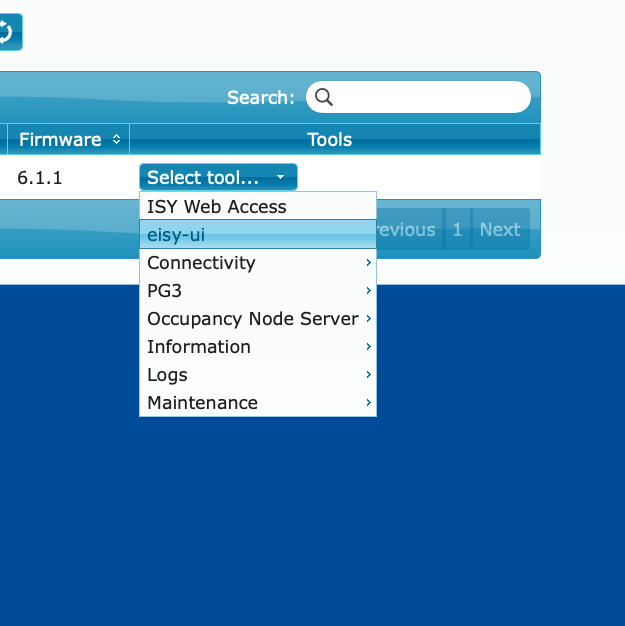
I’ve not clicked on the EISY-ui tab yet. When you say keep using it as usual do you mean the IoX shortcut to the gui? I’m assuming that will no longer be available at some point?
-
Not so far. I added a scene and when I went to the Portal I did see this so I'm assuming I've done it correctly?
-
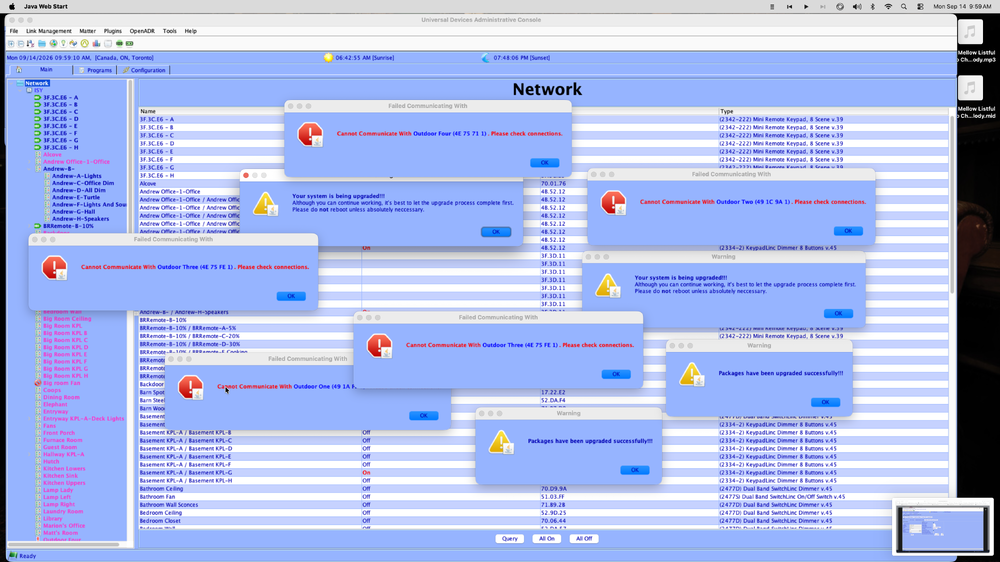
I did reboot. Those errors are for outdoor devices that aren’t plugged in right now. Should I try to reboot again?
-
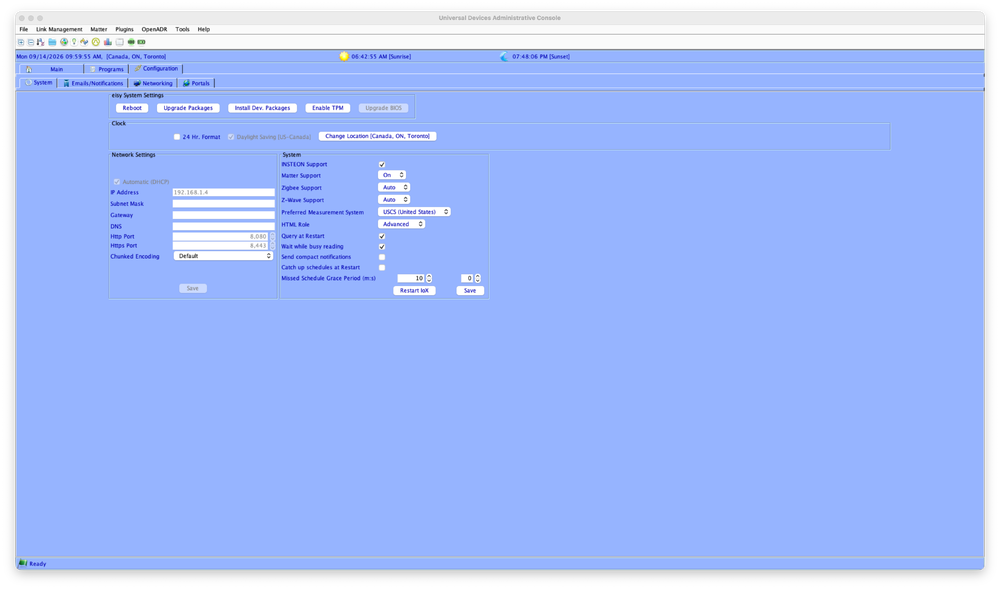
Mine doesn't have some things like Subnet Mask etc. Also, when I opened it up today this is what I get If I've Updated to 6.1.1 have a then finished migrating to the new system?
-
Just nudging this again. I have the worst luck when doing these sorts of things with my EISY (or the ISY's before that) I don't want to screw it up and have to spend a day or two re doing everything while my wife complains that the voice commands arent working
-
Just nudging this. I know it's probably a pain describing this stuff to a newbie but I just don't want to screw any migrating up.
-
I am now updated to 6.1.1 on my LAN version. From what I can figure out from here.. Preparing for Migration from Eisy / Polisy (online directions) (I've done all this as I've made a backup and I have no Wave stuff) MIGRATING When I go to my Admin Console configuration page I don't see an option to UPDATE PACKAGES, just Upgrade.
-
Sorry, I thought I could just go to the cloud version as you mentioned and then go from there. I am now in the cloud version and clicked Upgrade Packages. I'm guessing that will update my LAN version?
-
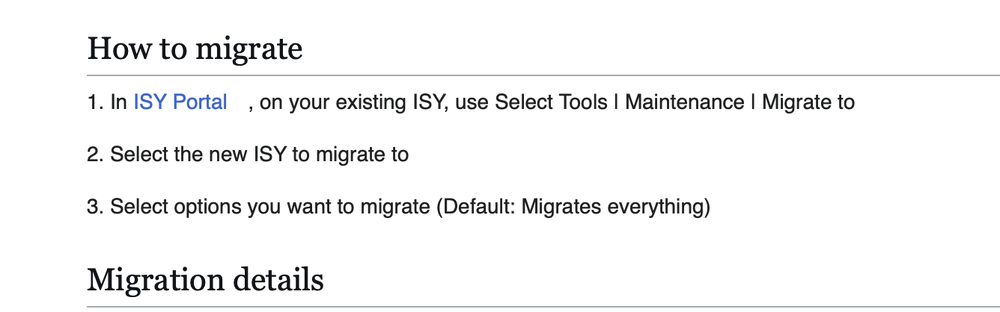
I was in the ISY Portal online. These were the directions I thought I was supposed to follow
-
I'm at the Portal now and I'm about to click maintenance and Migrate to... It has Migrate from this ISY (a bunch of number and full colons) Migrate to this ISY has nothing in the drop down menu. Do I just copy and paste the same number? I'm not switching to another EISY
-
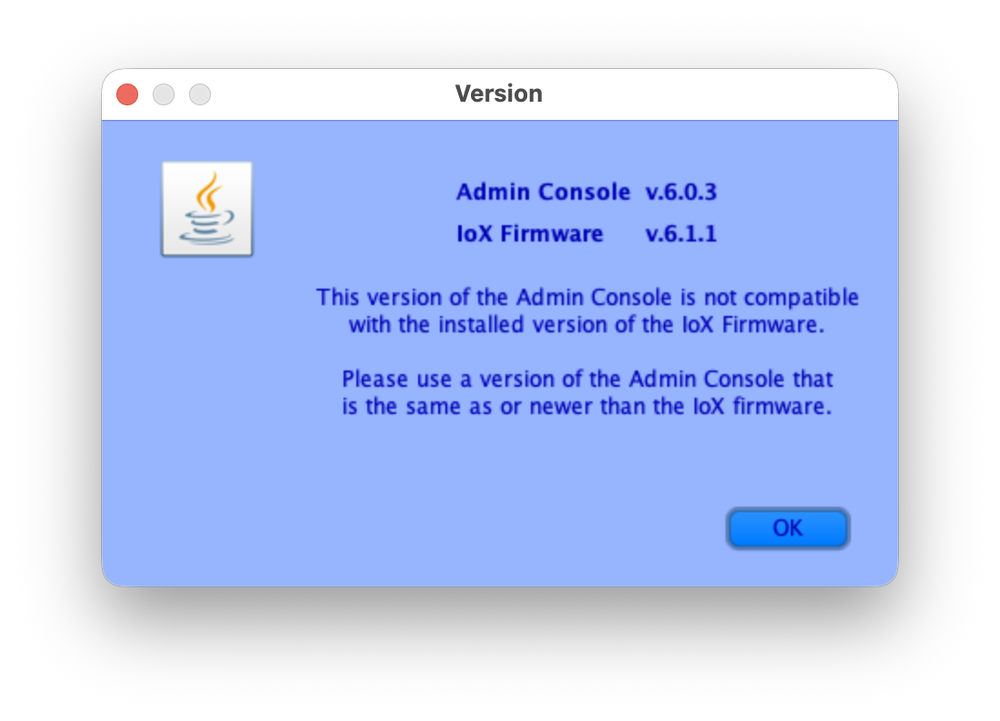
I get this pop up and I cant get past it to update the Admin console to update. When I click okay it just shut the GUI down
-
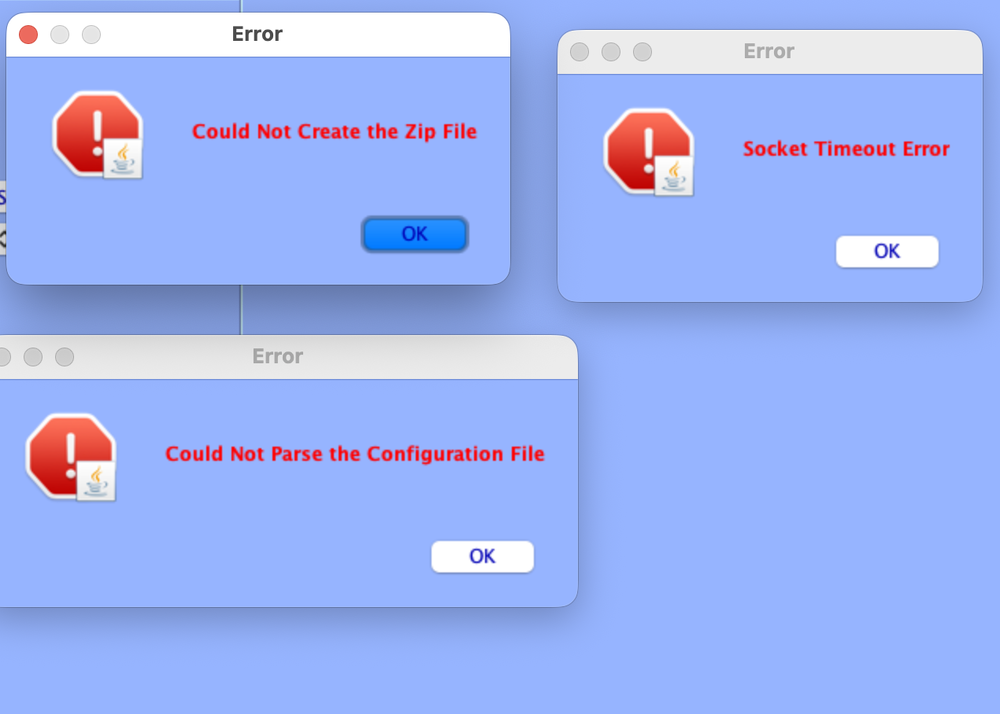
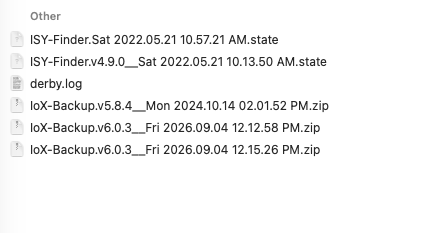
I've received the email saying the Admin Console is being shut down so I figured I'd start migrating as the email said. I Updated and when I went to back up I got these three errors I see these files in my back up area but I'm unclear if they're corrupt or legitimate back ups IoX-Backup.v5.8.4__Mon 2024.10.14 02.01.52 PM and IoX-Backup.v6.0.3__Fri 2026.09.04 12.12.58 PM are 56bytes The last back up in the list is zero bytes Just wondering how to proceed Apologies. The GUI just opened a pop up saying to reboot now. Clearly I was impatient. If theres any other issues I'll continue this thread
-
I have a Harmony Hub that takes the voice commands from the Alexa units. It then sends the signals through the IR set up I put together (IR receivers and blasters hooked up to all the gear in the 'closet'). If you want I can upload pix somewhere and link them to this post if I cant upload all the photos here. Funny you mention honeywell. I have a Carrier my infinity thermostat for my heat pump and it used to accept voice commands and hasn't for over a year now.
-
I decided not to re-enable the ISY skill as the lighting commands and timers were all working just fine. I checked the Harmony Skill and it had disappeared (how does that happen?) I re-enabled it and now everything seems okay (knocking on wood here). I'll link to a Coffee Shop post I made a while ago just for conversation. The EISY (and all the ISY's I've owned previously) have pretty much been rock solid. Any issues I've had were user error or network/internet issues. I sincerely hope I can run the house lighting, A/V equipment, and other random things all with the EISY. I know it seems like an 'eggs in one basket' scenario but I'm not looking forward to the day when gear is obsolete and no other company has come up with a better product. I go to friend's houses and they have 'automation' but nothing like the EISY and Insteon etc. People seem happy to tell Alexa to turn on a soundbar and tv and thats automation. Having the lights react to perfect percentages, turn on a bunch of gear and set all devices to the right settings is something I've become reticent to lose. Any other tech doing the job of a Harmony Hub out there?
-
I’m not sure that would work with my set up. Upstairs I have a Samsung tv but in the entertainment closet the Apple TV, and a receiver also turns on (and off) Downstairs the receiver, projector, and Apple TV turn on or off. I also have separate programs for a blu ray upstairs and down and a firestick upstairs and down. If anyone has another idea I’m open. I’m wondering if they reprogrammed something on their end and now it doesn’t work for me. I have noticed sometime last year I couldn’t tell Alexa to pause or play Apple TV anymore when I used to be able to previously Would disabling and re-enabling the ISY skill do anything?


