


danncas
Members
-
Joined
-
Last visited
Everything posted by danncas
-
this is what comes up when I click on it from the UD screen https://192.168.15.191:3000/ Also the question was is my login on that page the same as my login for the esiy local. I never had a problem before
-
here is the question. I can get to the web page but I cant log in. IT FAIL isnt the login the same as my login for my eisy? If so it rejectsiot
-
thanks alot guys Now I have to decide. I see the z-wave usb is out of stock
-
im down t omy last old styleinsteon motion sensor. I have them outdoor. Im loking for an outdoor one that is battery operated . And this sensor has to work with my eisy. Now I have no like work on any sensor outside . Any Idea from anyone that has a sensor that works all the time every time.
-
you i have the plm is ok the led is bright green.
-
Im not realy sure what happened. My plm not connecting. I triedd to power it of for 20 minutes and still not connecting. I tried everything. I guess its time for a ticket .
-
im with you one the the way it is all the buttons are on. The one that is in use goes out. it work for me.
-
I know this has been around for ever. I just got a eisy and the 6 button key pad doesnt seem to work like it did with the eisy. CAN ANY ONE that has a fool proof set up share. I read so many in the isy forum only to get confused to with one work and not. Some say creat more the one scene. Other say about ungrooping button. I never have tdone that and dont understand that all.
-
Ever since I upgraded to the Esy thing not work as before. When any swith is left on for an outside light it should light up my keypad telling me it was left on. Also othe light that are on a timer if the light is left on, it stsyd on as if the esy is not reading the status of the switch left on or turned on
-
Im trying to put the voice commands back in my esiy . Alexa keep say it found a idem with more the on nane. AKA Kitchen Lights but there is only this one. ANYONE HAVE ANY IDEAS
-
i upgraded to an Eisy r2
-
I upgraded to esiy . How do I get all the voice command back in. do I use the ISY portal or is that something of the past now. Or do I need to downloadf a new skill for alexia .
-
I kinda know what a plug in is. Aka driver. I download the Blink carmara plug So now what do I do. I gave it a node number How do it get the camara in the Eisy so I might write prohram or How to I het the Camara in the UC moble Device.
-
Thanks to all of you and UD tech for helpping me get this up.
-
finally got it migrated with out error BUT NOW IT SAWE PLM NOT CONNECTED. BUT IT IS?????
-
only Insteon and samae plm usb, And yes I did restore devices several times.
-
I dont a migration from my isy994. I been having so many problem from the system stying bust to trying to link its for hours. Now That that has stooped on have of the device insteon devices woek. I have rewote to the try retstore them and yet nothing. I going to pull my hair out been on this for days now.
-
I got it to stop ,most of the device in the migration do not work or talk to the eisy. specially the 8 buttons. I thinking of wiping the eisy clean and manully intall everything.
-
I just did before I became an alcoholic
-
do you know how to do a factory reset. Im starting to think i made a mistake buy this upgrade. I cant even add a lamp module with out errors
-
paul i start this problem in new topic
-
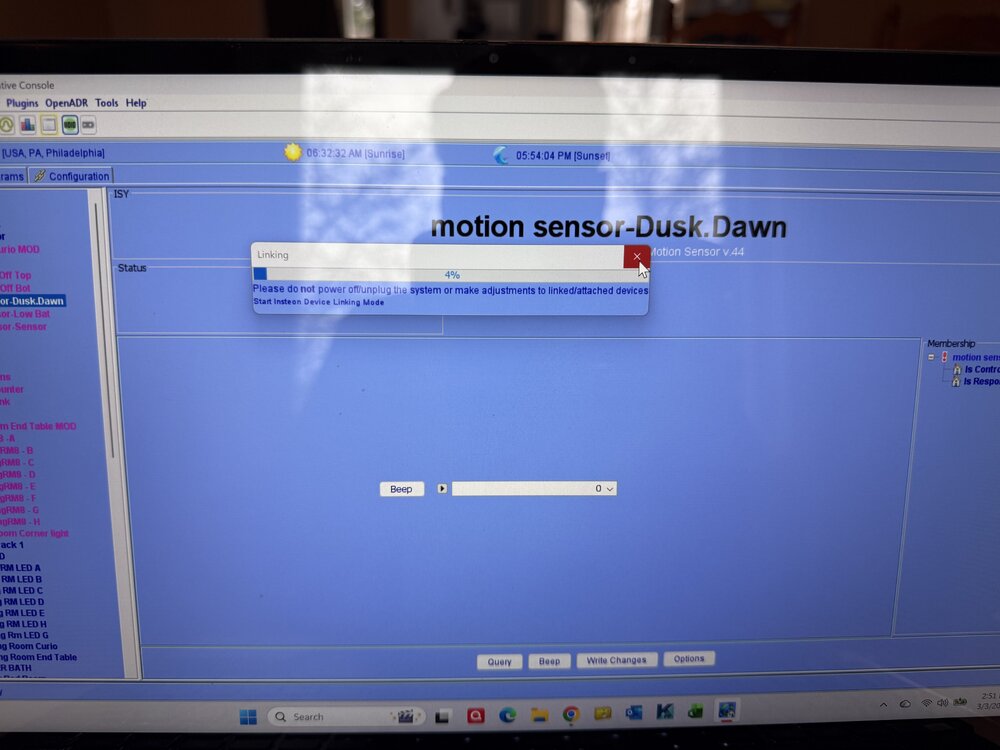
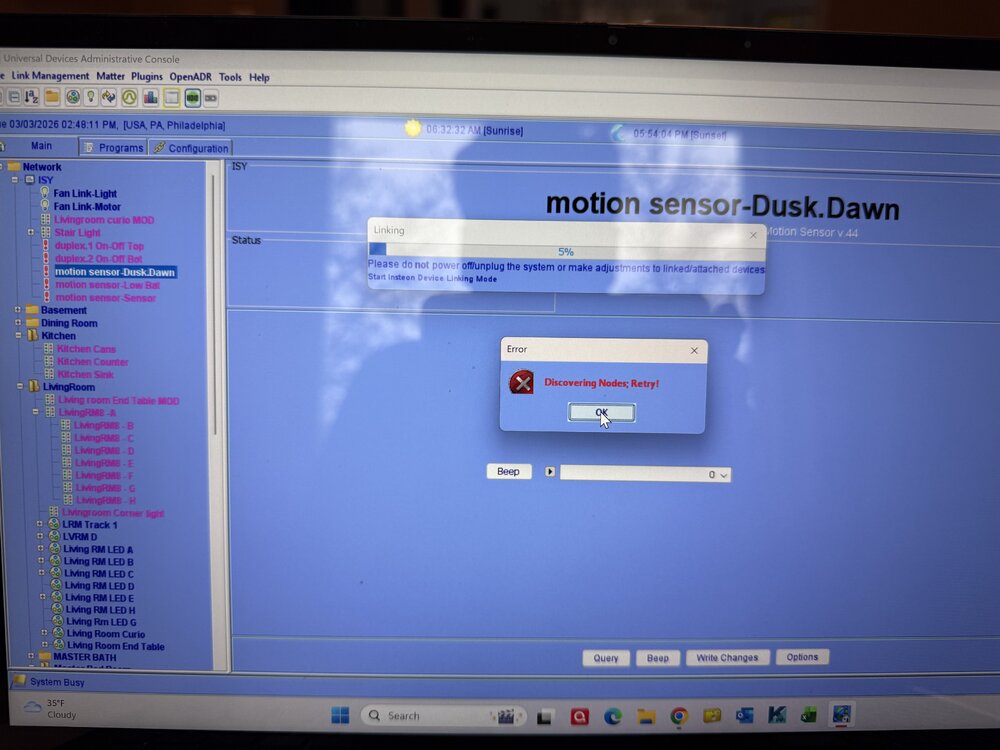
Everything was going ok not great. I have yet to get it to discover my 8 button pad, and lamp module. No mater how many time I reboot the thing it keep looking for nodes. I cant stop it ever. I need help please. Im about to start drinking
-
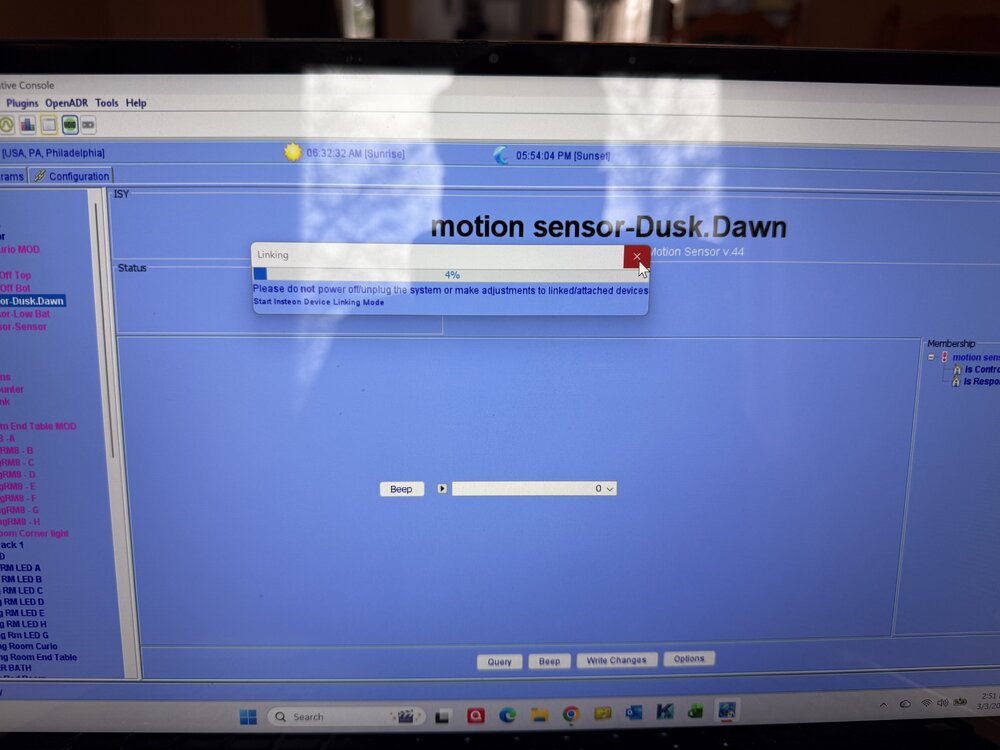
this is what its doing and will not stop even afrer I reboot it.
-
Pual I have'nt got it to work so I moved on to a light module . For some resason it does work either. When i staart up the console it keep going into linking for what ever reason. I feel so dumb. And yet I programed plcs
-
well seem all is well other then non of the 8 button keys swtchs, not working or talking


