


Techman
Members
-
Joined
-
Last visited
Everything posted by Techman
-
Would an all on also open the garage door? Yes it could, as an all on could change the state of the IOLinc.
-
Being that you're unable to access the eisy config file leads me to believe that you have an issue other than "upgrade packages" as this has been accessible prior to eisy-ui https://eisy.local:8443/WEB/sysconfig.txt
-
F.Y.I. If you have a program scheduled to run at startup and if the IF clause is blank, the THEN clause will execute.
-
@apostolakisl Are you on a windows or mac, what version What browser are you using Have you tried turning off VPN?
-
Take a look at these links: Eisy:User Guide - Universal Devices, Inc. Wiki Eisy:User Guide - Universal Devices, Inc. Wiki
-
@apostolakisl Try doing another update packages After that, if you're still having an issue do a power cycle on the eisy
-
The launcher is java based, the eisy-ui is browser based
-
I would think it's either the VPN or you're not on the same network as the eisy
-
@apostolakisl Can you access your eisy config file: eisy.local:8443/WEB/sysconfig.txt If so, what's your FeeBSD, UDX, and ISY versions?
-
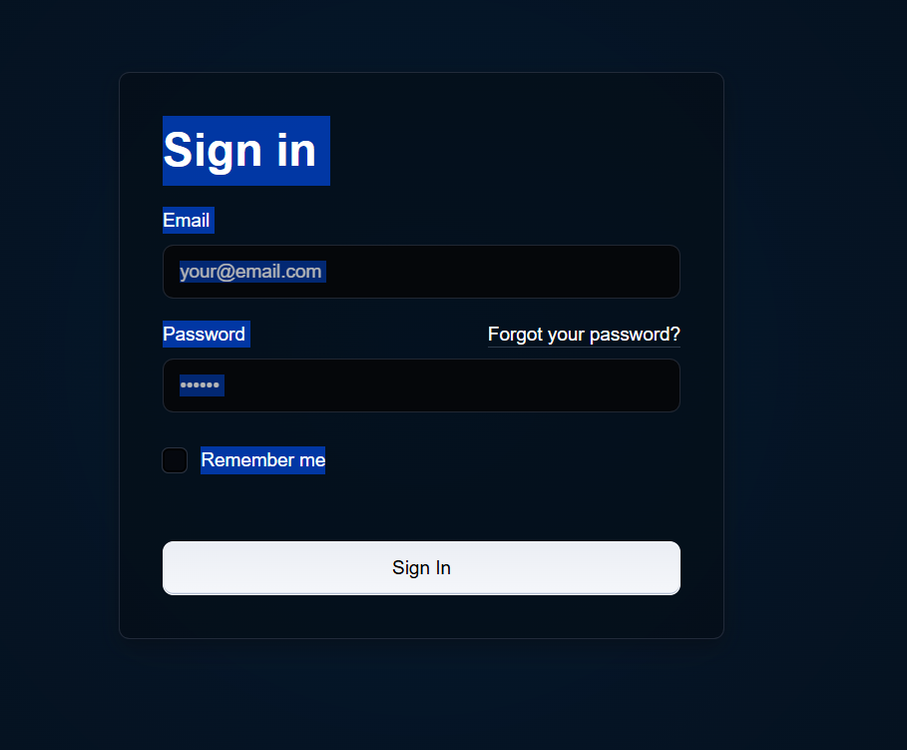
Are you on Windows or a MAC Make sure you don't have a VPN that's enabled This is the window you should see when you enter "http://eisy.local" from your browser
-
-
"Cannot determine Insteon Engine" usually means that the PLM is unable to communicate with the device. Verify that the device address is correct, it's not uncommon to misread the 8 and the B If you're still having issues, then relocate the PLM to a different outlet. Note: the 6 button KPL is recognized as the 5 button KPL by the system, the on and off buttons are treated as one button..
-
For now the old link can't be removed UD is in the process moving away from a java based UI to eisy-ui eisy-ui Alpha release - Feedback - eisy - Universal Devices Forum
-
Open your admin console and click on the add button. Create a new entry https:// (your eisy ip address):8443/desc Going forward you'll need to access the eisy using this entry. This is due to a recent change in the UI Using admin console - Can't connect/LIB_ERRORS-403 - eisy - Universal Devices Forum
-
@Graham55 Take a look at this article https://wiki.universal-devices.com/INSTEON_Random_All_On_Events
-
Everything looks normal. They may display differently in the eisy. Are your scenes working properly? The scenes may not update until you either turn them on or off I noticed you have pending writes on some of your devices. Right click on those devices and click on write updates Be sure to do an eisy backup
-
If the switches that are installed don't appear in your device tree after you restored an ISY994 backup it's most likely due to the the fact that the backup wasn't current, and that the switches were installed after the backup was made.
-
If you're happy with your Model T then there's no point in moving up to a Ferrari There's a new UI in development that doesn't require Java but will only work with the eisy. The ISY994, the Polisy and the EISY all use the same Java based UI via the IoX Launcher All devices must be removed from a folder for the replace command to work.
-
@HTTRC You'll need to exactly follow the replace PLM procedure (see attached) Replace PLM (ISY994).pdf
-
"Is the Dual Band going to address possible proximity issues?" YES
-
If you run the Topology report (TOOLS | TOPOLOGY) it will give you a list of all your installed devices with their address ID and other useful information.
-
You could try connecting via wi-fi, It's probably best to submit a support ticket https://www.universal-devices.com/my-tickets
-
You can find links to all the available firmware in the forum here: Current Release Announcements - Universal Devices Forum
-
Can you bypass the switch and plug it directly into the router? Also try rebooting the router
-
@armymutt Did the restore devices fix the problem?


