


SHM
Members
-
Joined
-
Last visited
Everything posted by SHM
-
For me, these work fine: IFTTT Pushover Weatherbit NOAA Ambient Weather HomeKit Hib Yolink Ratgdo Needs adjustment: Ratgdo Harmony Hub
-
Have been using your Harmony Hub plugin for some time. I have recently converted to eisy ui, including migration of my plugins. The Harmony plugin shows up on the dashboard and is “connected” but it doesn’t seem to work. In fact, UD mobile sync fails because of a “blank” node in Harmony hub (per javi). Attached is the plugin log. Seems like there is no communication. Any ideas? The plugin version is 3.0.10. HarmonyHub-log-2026-10-17T17-52-09.038Z.zip
-
Any instructions for configuring MK's eisy ai plugin?
-
Did the UDM update to version 4.4.27 today but sync still stalls per ticket 30358
-
-
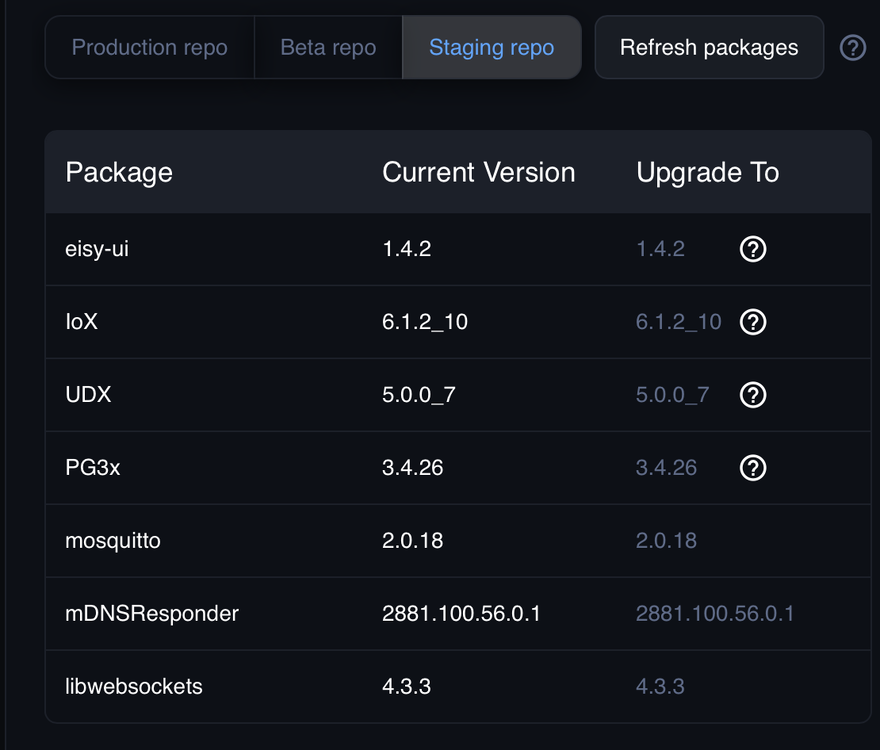
For some reason, I cannot such UDM with my eisy, either locally or remotely. continuous spinning wheel at "Getting family Node server." Have tried rebooting several times. Firmware versions attached.
-
Solved. Turns out that the plugin did not like updating via portal, but did update on local network.
-
OK.. Rebooted eisy and restarted the plugin. Still get the same error. Interestingly, all of the Yolink devices seem to be working fine. Should I delete the plugin and add back in plugins beta, or add back in PG3 , then migrate?
-
Here is the plugin and eisy ui log YoLink-log-2026-10-07T20-02-32.314Z.zip
-
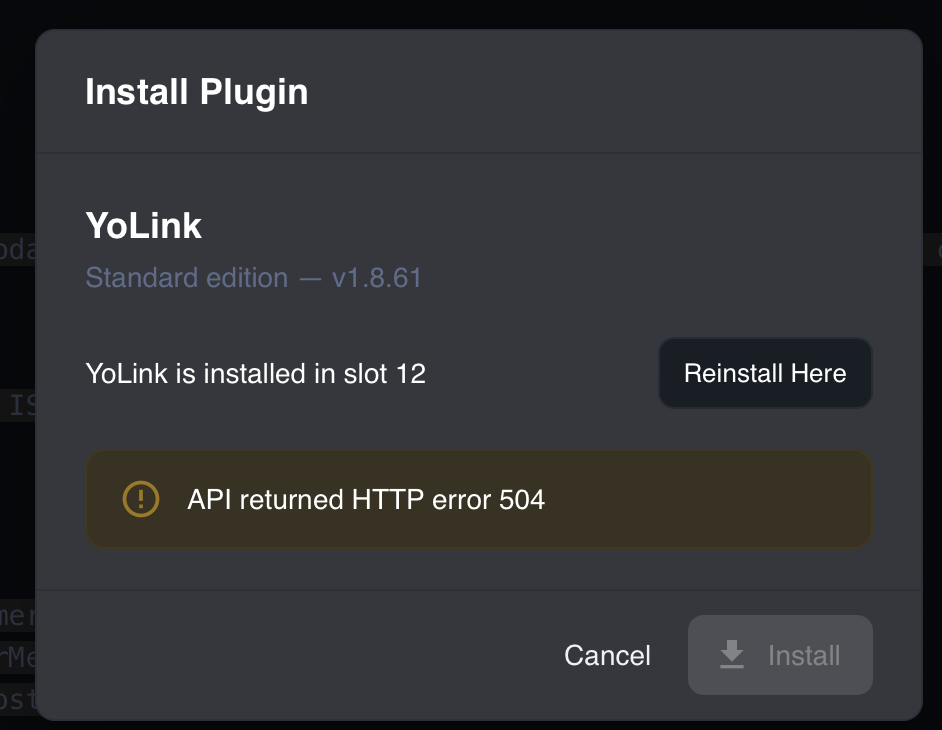
Have switched plugins from PG3 to eisy ui plugins beta. My version is 1.8.60 and when I try to upgrade to latest version in the eisy ui store, I get message below and upgrade fails.
-
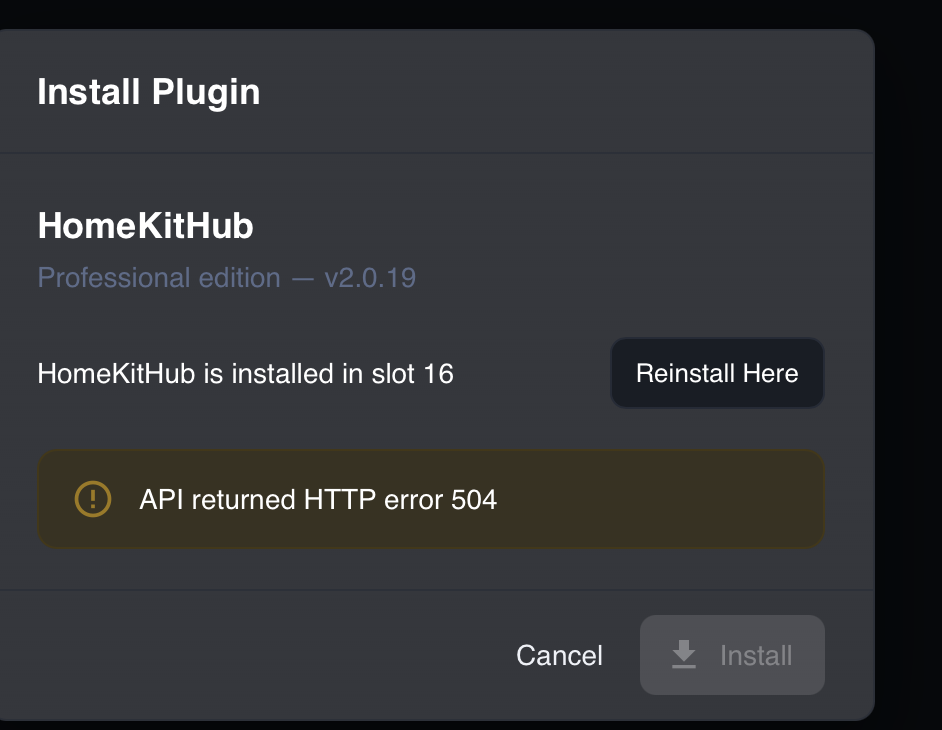
Have switched plugins from PG3 to eisy ui plugins beta. My version is 2.0.17 and when I try to upgrade to 2.0.19 in the eisy ui store, I get message below and upgrade fails.
-
What is the syntax for sending a Get URL from geofence to change the status of a state variable in eisy?
-
Anyone having issues migrating ratgdo to eisy ui? I did with 6.1.2_3 but garage door node does not show up. I have opened ticket.
-
That's what I thought, thanks
-
Thanks. So the z wave backup/restore is still in AC, not eisy ui?
-
Would like to try the Z-stick 10 Pro on my eisy running 6.1.1_3/3.4.23 (with ZMatter board). Where do I find the z wave backup on eisy ui so I can restore it to the Z-stick?
-
My Eisy has the internal Z matter board which is z wave 700. Is there matter board with z wave 800? I do have some matter devices so would need to keep that functionality.
-
Any plans for this plugin to move to the production store? I have been using it without issues for some time, but it won't migrate to eisy ui in beta form.
-
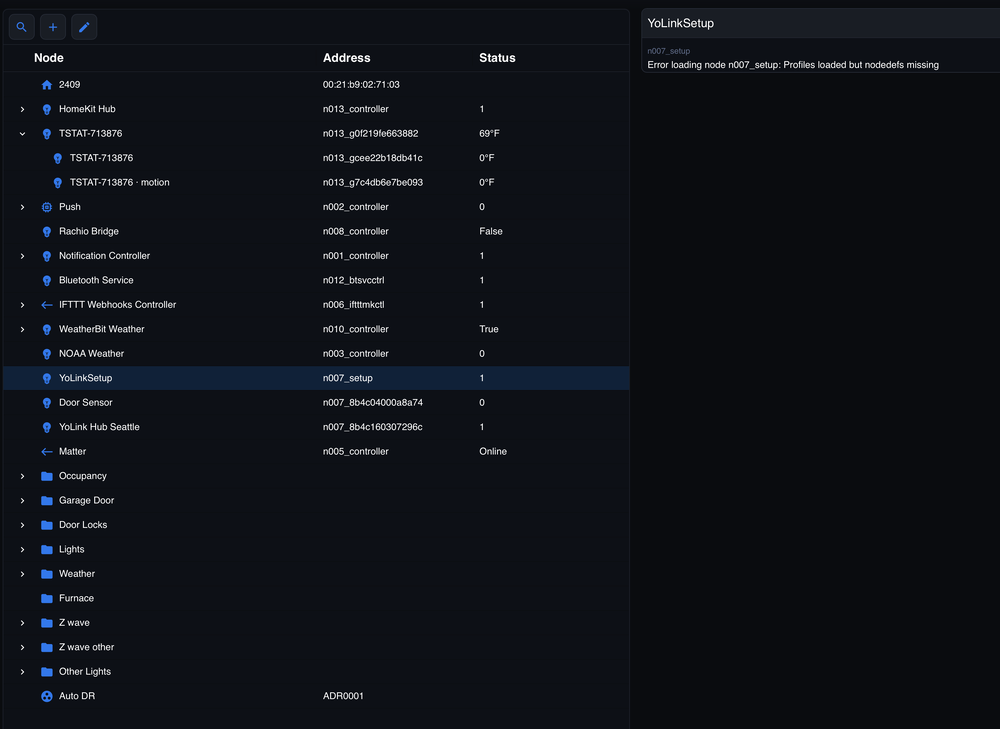
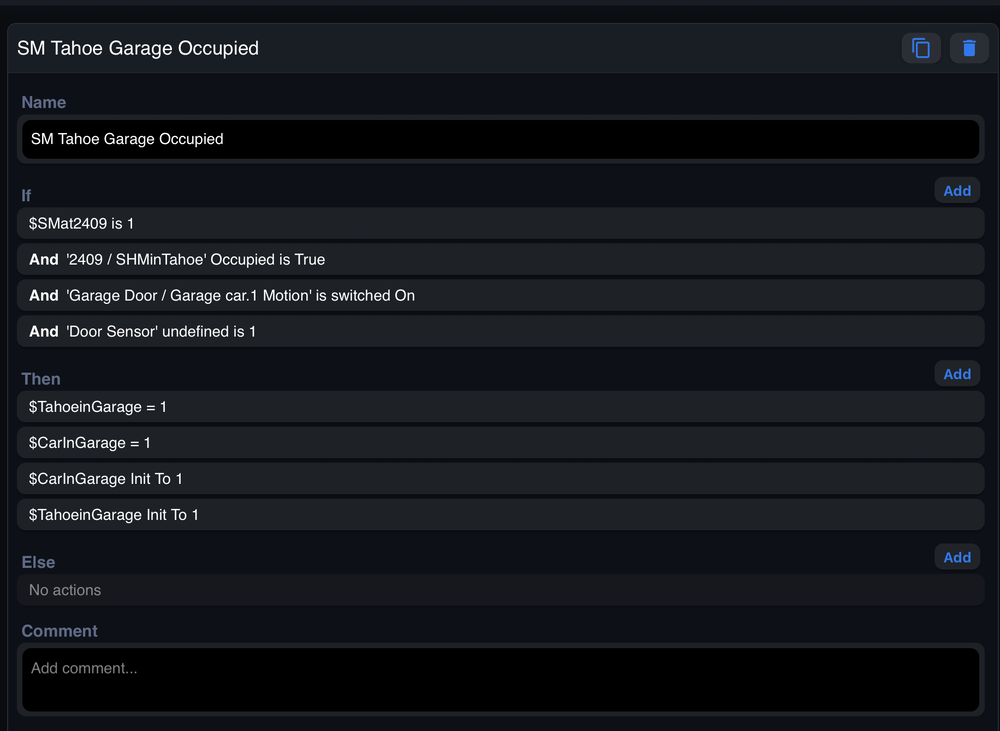
Did a brief survey of nodes and programs. It appears that Yolink door sensor and HomeKit thermostat nodes are not working. Here is a screenshot of the Yolink message. Same for the HomeKit thermostat node.
-
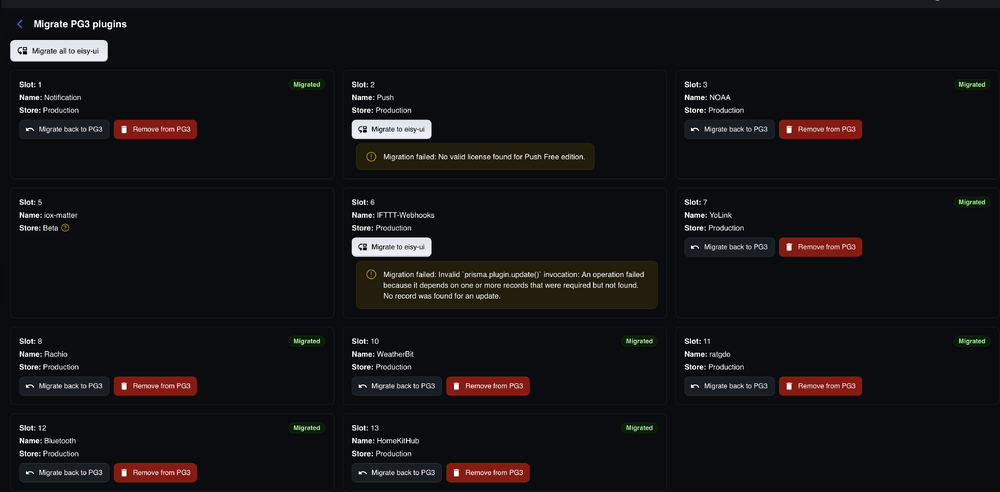
Thanks. Did the migration. I did not try to migrate Matter but 2 plugins (Push, IFTTT) failed to migrate. Screenshot reason attached.
-
Quick question. I have the IoX Matter plugin and have been using it for several Matter devices. The plugin has been "beta" for some time and looks like it won't migrate. Will it still work the same on the PG3 side? P.S., Work the same on PG3 side even if all other plugins are migrated?
-
How do I access the release notes for 6.1.2_3 and plugins beta? Am I to understand that this release will allow eisy access from outside the LAN?
-
Worked perfectly. Thanks.
-
Tried to delete HoneywellHome plugin but it is still present on the dashboard as "unmanaged" and no delete option. How can I delete it?
-
FYI For some reason, latest ratgdo firmware (July 2026) for the 25i board disrupts the communication between ratgdo and the plugin (?mDNS issue). I was able to re-flash the ratgdo with the April 2026 firmware and all is restored. Paul Weiland aware of the issue and hopefully can hash it out with @Goose66. For the time being, what a relief!


