


mmb
Members
-
Joined
-
Last visited
Everything posted by mmb
-
Have you tried a power reset? I had PG3 migration problems and the power reset worked.
-
@Javi I didn't know QueryAll wasn't required. Is it handled differently now? Or just not required?
-
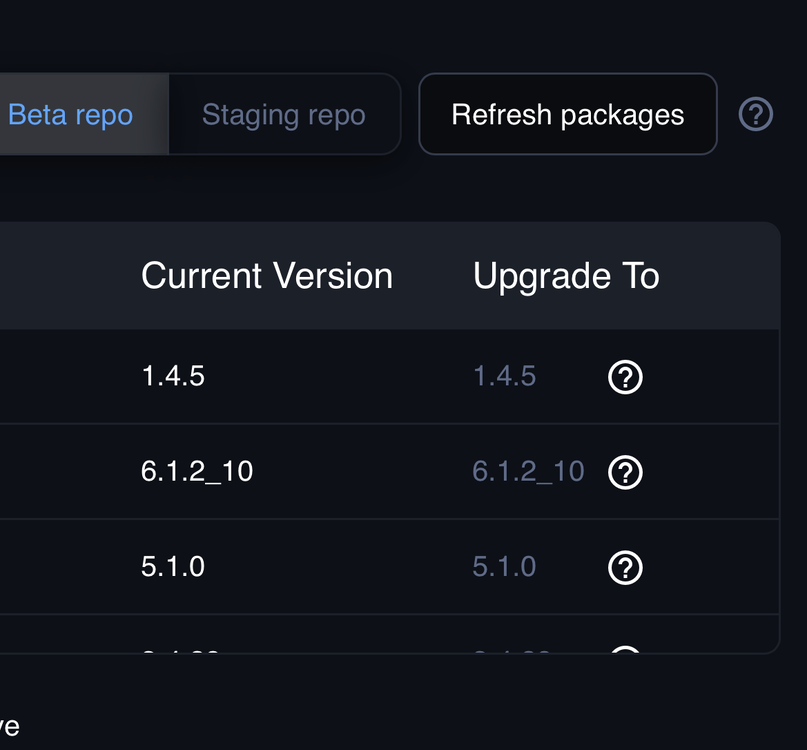
Up to date? Did you refresh packages?
-
Envisalink DSC Alarm monitor and control Notifications (formatting is a bit borked but fixable) MQTT
-
We're all thinking the same way.
-
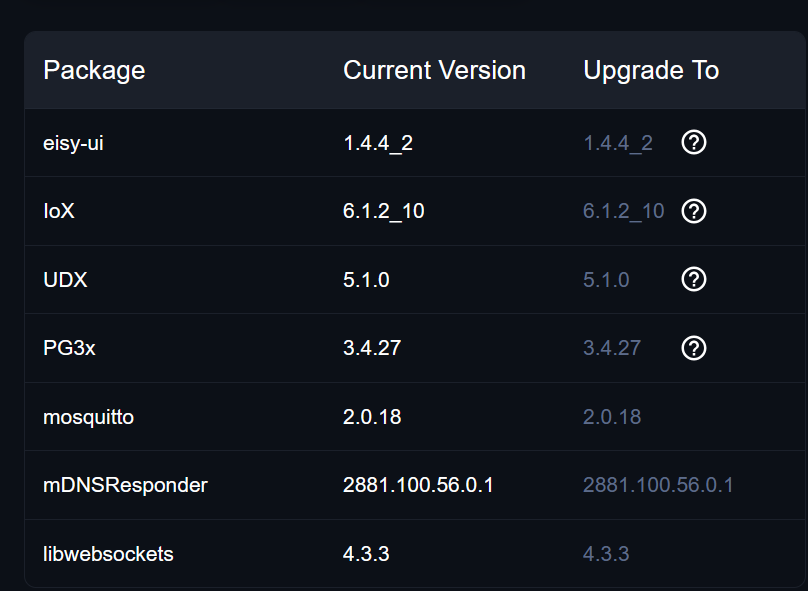
@bmercier there still seems to be some interesting things happening to my EisyUI running the latest updates.. Randomly it rebooted this morning while I was attempting to check PG3. 2026-10-18 08:12:49 [error] shutdown: Error stopping plugin 1: timeout of 3000ms exceeded 2026-10-18 08:12:52 [error] shutdown: Error stopping plugin 2: timeout of 3000ms exceeded 2026-10-18 08:12:55 [error] shutdown: Error stopping plugin 3: timeout of 3000ms exceeded 2026-10-18 08:13:00 [error] ioxStartup: IoX is not responding: connect ECONNREFUSED /tmp/ns2isy182652 But it is still Beta I suppose.
-
Thanks @Javi , I disabled PG3 and did a followup check on EisyUI Services and PG3X is still running. Are there legacy PG3 bits that are still needed requiring the service to continue to run?
-
My brother has an almost identical setup as me except a much smaller set of devices. I do his Eisyui updates and see the same behavior on his. Note: Plugins are unresponsive after the update and subsequent reboot from the Eisy. I checked services and IOX was not running, so started it. That didn't help so restarted the eisyui service, still nothing. Power reboot fixed everything. Also note, my brother ran into a recent issue that couldn't be fixed so reflash was necessary. So the Eisy should be pretty close to factory except one update. He's a little gun shy about updating to these latest updates. Let me know if you need any information @bmercier
-
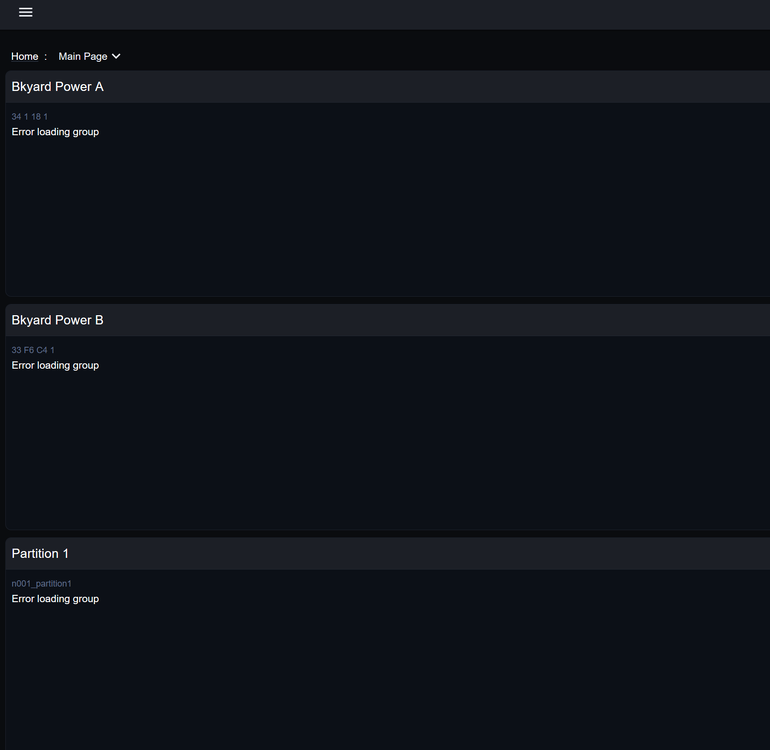
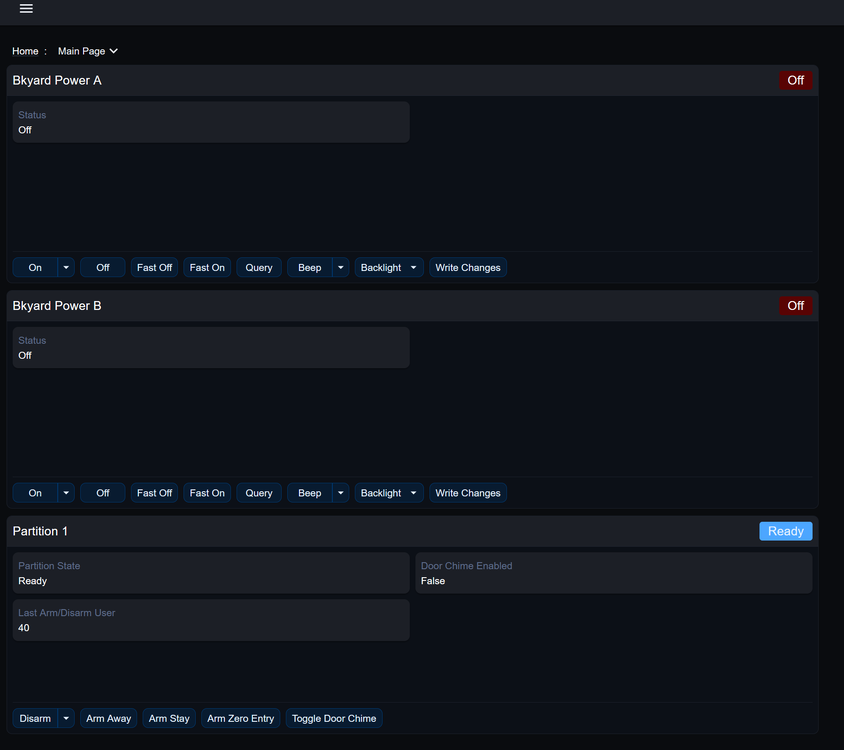
Thanks @bmercier , up dated and everything seems fine Question, after every update I'm left with an error loading group and a reboot doesn't fix. Pulling the power is always required. Is this expected behaviour?
-
What about plugin store, plugin purchases, etc? If I disable, do I lose access to these items? Thanks!
-
My Eisy still hosts PG3 on port 3000. I think UD eventually wants everyone to migrate their PG3 to the EisyUI, which I have already done. EisyUI Plugins is still Beta and not fully developed so I find I have to go back to PG3 on port 3000 from time to time to check purchases. store etc. Also my brother couldn't log into Eisy one day very randomly on his Mac. I figured out how to clear the cache for him and that fixed the problem. So there are some weird caching issues.
-
Was this a typo - eisy.clocal:3000?
-
Word Hex Shortcut If you have Microsoft Word, you can turn the hex code line feed into the character using a keyboard shortcut: Open Word Type exactly: 2029 Immediately press Alt + X together. The numbers 2029 will transform into the invisible LINE separator. You can then copy and paste it where you need it. The Notifications preview window is still unformatted but UD Mobile displays properly. Anyway for now my notifications are now readable.
-
Update: Gemini AI stepped me through a way to add a life feed - unicode method.
.thumb.png.cd93bc4147b57d18eae79a5fa8e45a29.png)
-
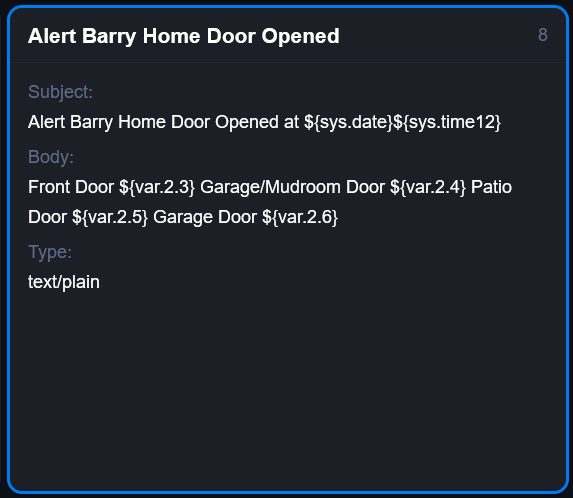
The strange thing it works, sometimes. The EisyUI notification preview is just one long string.
.thumb.jpg.53d82f925510e775037ed11e929984fb.jpg)
-
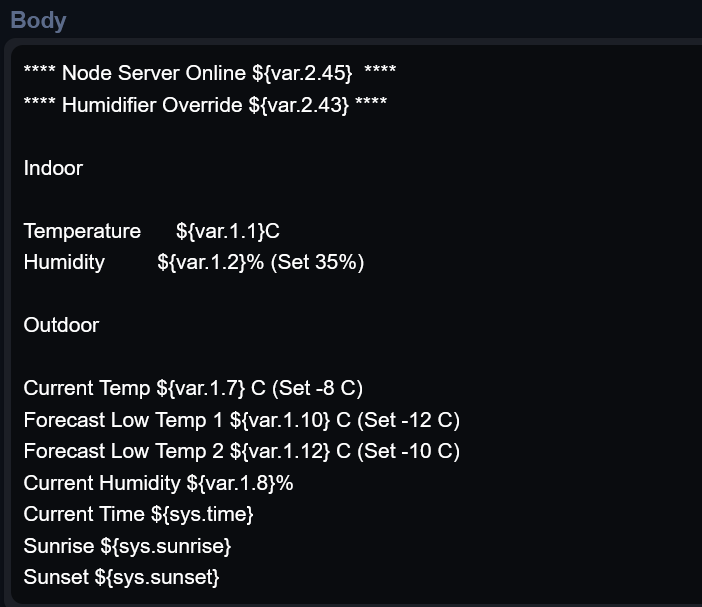
Hi @Javi , the formatted text with the HTML tags removed in the template in my first picture looks like this in UD Mobile, just like the template preview in EisyUI Notifications. Just one long string of text.
.thumb.jpg.6cd25f5e7fc38a563f73b462a9224937.jpg)
-
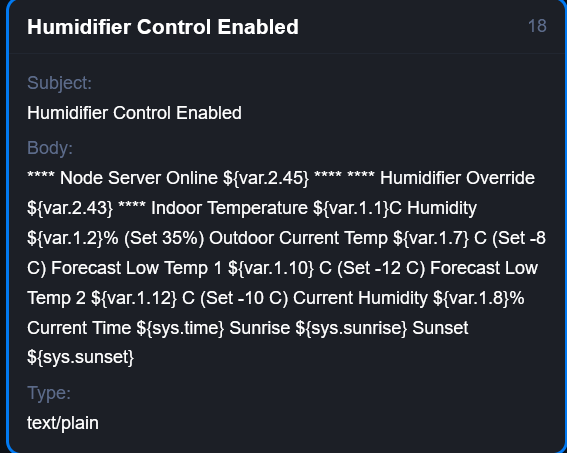
Thanks, I removed the HTML tags and saved as text, it turned into this.
-
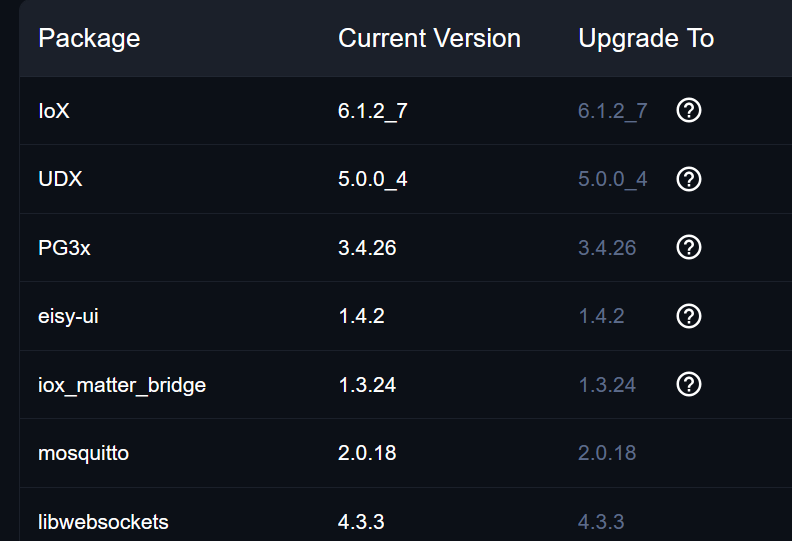
@Javi I'm having exactly the same formatting problem but with the Notification service and UD Mobile Send Message (email migrated notifications). Migrated HTML formatted emails are coming through UD Mobile Notifications with visible line break <br> tags and paragraph break <p> tags. Saved as HTML. Removing the HTML tags runs the all the text into one long string. Saved as Text. Let me know if you need more details. Using Eisyui 1.4.2 Thanks!
-
It seems so. I actually tried to resurrect my Polisy after being in storage for about 8 months. Looks like the mb battery died and it lost all of its settings. All I get is 3 flashing lights. Guess it's time for the recycle bin.
-
FreeBSD is bulletproof, and highly stable, that said 14.4-RELEASE will hit its official End of Life (EoL) on December 31, 2026. After this date, the 14.4 branch will stop receiving critical security advisories or patch updates It was succeeded by FreeBSD 14.5-RELEASE in September 2026.
-
Thanks Javi, good update. I hope a Favorite Home page like this will still be possible, Very very handy.
.png.dd4ccc5b5c8e9447974fab798fded609.png)
-
Will the UD Mobile be phased out Javi?
-
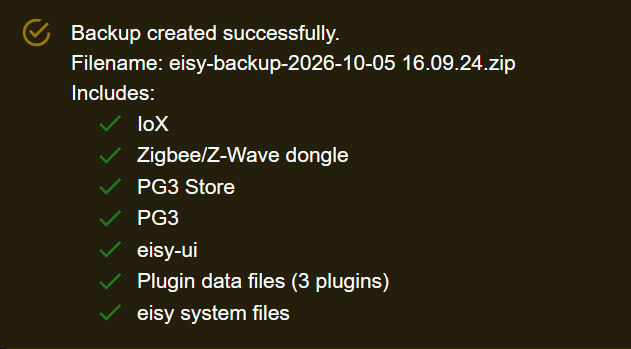
It was noted a PG3 migration was performed so I presume something was migrated. Anyway if the plugins are migrated to Eisyui then data is backed up.
-
There's another migration, PG3 to eisyui 2026.
-
Not really an error, it goes away when you migrate the PG3 plugins to eisyui.


.png.654b72f40a53ab5068495e305b6f1aed.png)
.jpg.8fb35fbff4667cb6b34c9b3b36d31770.jpg)
.jpg.61df9c61ed7dcde50a5986cfed9f5133.jpg)
.png.dd4ccc5b5c8e9447974fab798fded609.png)
